

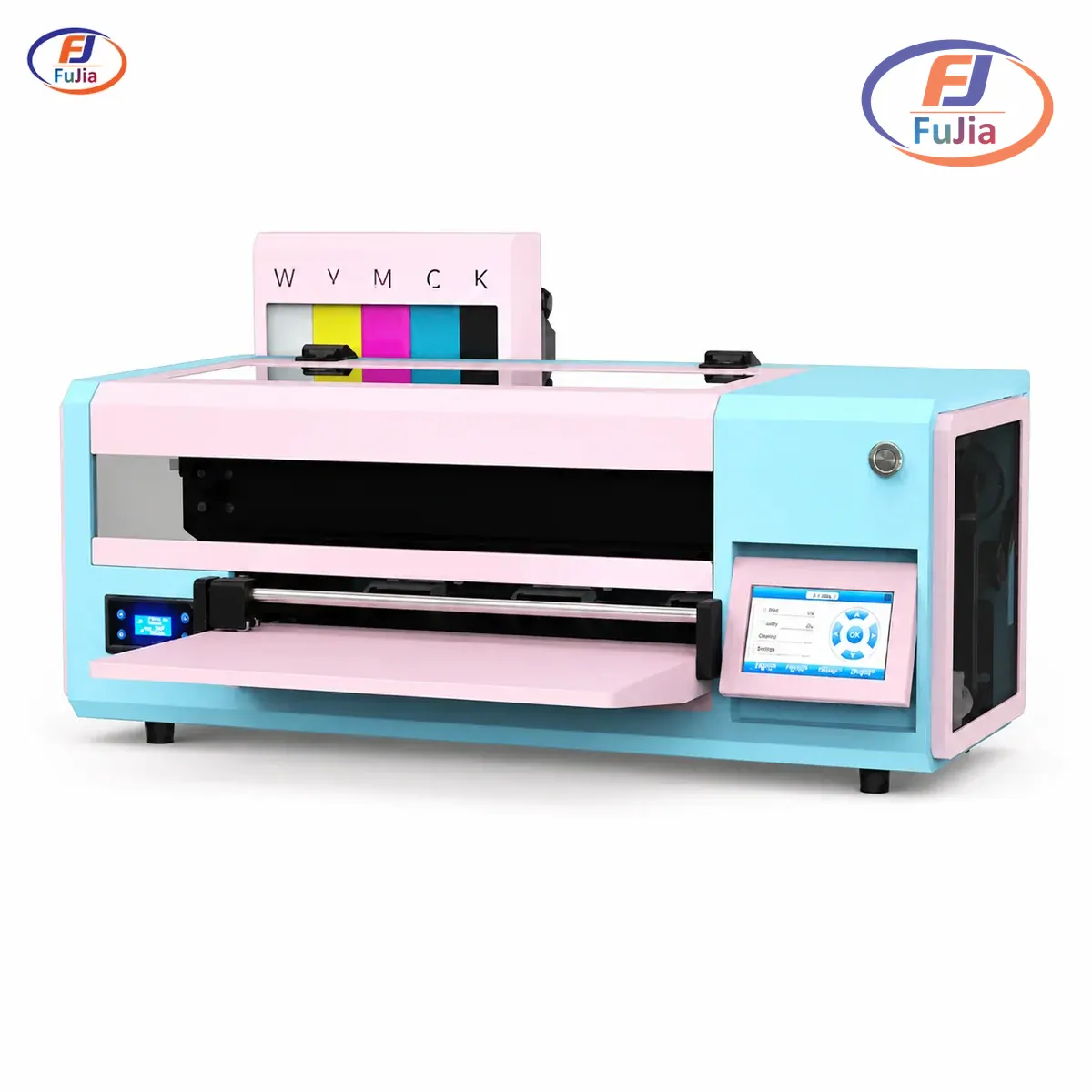
A DTF printer for home use puts custom garment printing on your garage bench or spare room, and for many hobbyists and side hustles it is practical today. Fujia Print builds compact A3 desktop DTF printers that fit a 20 m² room and run below 32 dB, so the real question is which model matches your space and volume. The sections below compare costs, sizes, and home setup limits so you can decide with confidence.
Key Takeaways
- A DTF printer for home use is realistic: compact A3 desktop models fit a 20 m² room and run below 32 dB.
- Dedicated A3 desktop setups start around $1,399 with oven; modified Epson kits exist from about $489 but need tinkering and carry no warranty, while industrial A1 units reach $8,000 to $15,000.
- Choose an A3 desktop for 2 to 3 m²/hr and hobby or side-hustle volume; reserve the A1 industrial (27 m²/hr, 155 kg) for a dedicated shop.
- Plan for a ventilated room at 18 to 25°C, 3 to 5 minutes of daily maintenance, and a 160°C, 15-second cold-peel transfer step.
- Fujia Print’s A3 DTF line uses Epson printheads with Honson, Leadshine, and THK components, backed by a 12-month warranty and 48-hour parts dispatch.
Can a DTF Printer Actually Run in a Home?
Yes. A DTF printer for home use is no longer a stretch, and real operators already prove it. A Reddit print-shop owner runs a small apparel business from home as a side job, printing for local businesses and sports teams. The limiting factor is space and environment, not the technology itself.
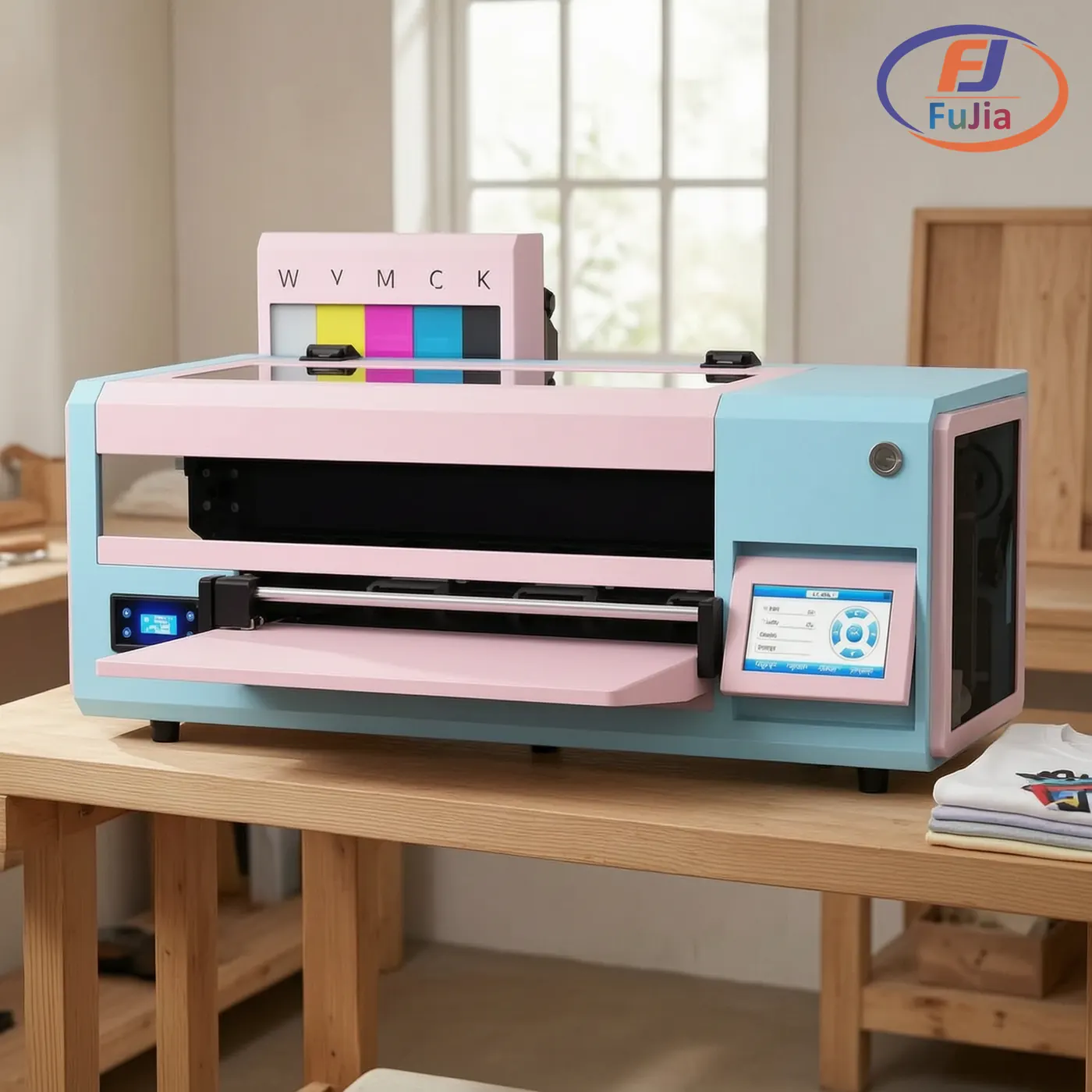
Fujia Print’s FJ-A30 A3 desktop DTF printer fits a 20 m² workspace and sits on a standard 120 cm workbench. The machine needs a stable, ventilated room kept at 18 to 25°C with 35 to 65% relative humidity for consistent ink flow. A spare bedroom, insulated garage, or finished basement all meet these needs.
DTF printing is a dry-film process, so it avoids the steam and heavy ventilation that sublimation or screen printing demand. DTF relies on piezo inkjet printing heads to place fine ink droplets, the same mature technology used across desktop and industrial printers. The main home considerations are a flat bench, a power outlet, and a small area for the powder shaker and curing oven. For a full definition of the process, see our explainer on what a DTF printer is.
What a Home DTF Setup Costs in 2026
Home DTF pricing spans a wide range, and the number depends entirely on whether you modify an existing inkjet or buy a dedicated machine. A modified Epson L1800 DTF kit costs $500 to $800 according to htvront, while dedicated DTF printers range from $1,000 to $15,000 depending on resolution and capabilities.
| Setup type | Real example (retail listing) | Price | Best for |
|---|---|---|---|
| Modified Epson inkjet kit | eBay “All-in-one DTF Ink & Powder T-Shirt Printer” | $489 to $494.99 | Tinkerers, very low volume |
| Entry A3 desktop with oven | Punehod A4 L800 Roll DTF Printer | $1,399.00 | Hobby plus side hustle |
| Branded A3 desktop | Procolored F8 Panda DTF Printer (4.6★) | $1,999.00 | Growing home business |
| Mid-range DTF printer | Amazon DTF printer listing | $2,944.00 ($355 off) | Steady weekly volume |
| Industrial A1 (4-head) | Fujia DTF-A1-4H class | $8,000 to $15,000 | Not a home fit |
The table shows the true spread: a capable home starter sits near $1,400, not $15,000. Budget for consumables too. DTF film, ink, and hot-melt powder add roughly $0.50 to $1.50 per A3 transfer when you print in-house, against $3 to $8 when you outsource. New buyers should read our DTF printer for beginners walkthrough before budgeting.
A3 Desktop vs A1 Industrial: Which Fits Your Room?
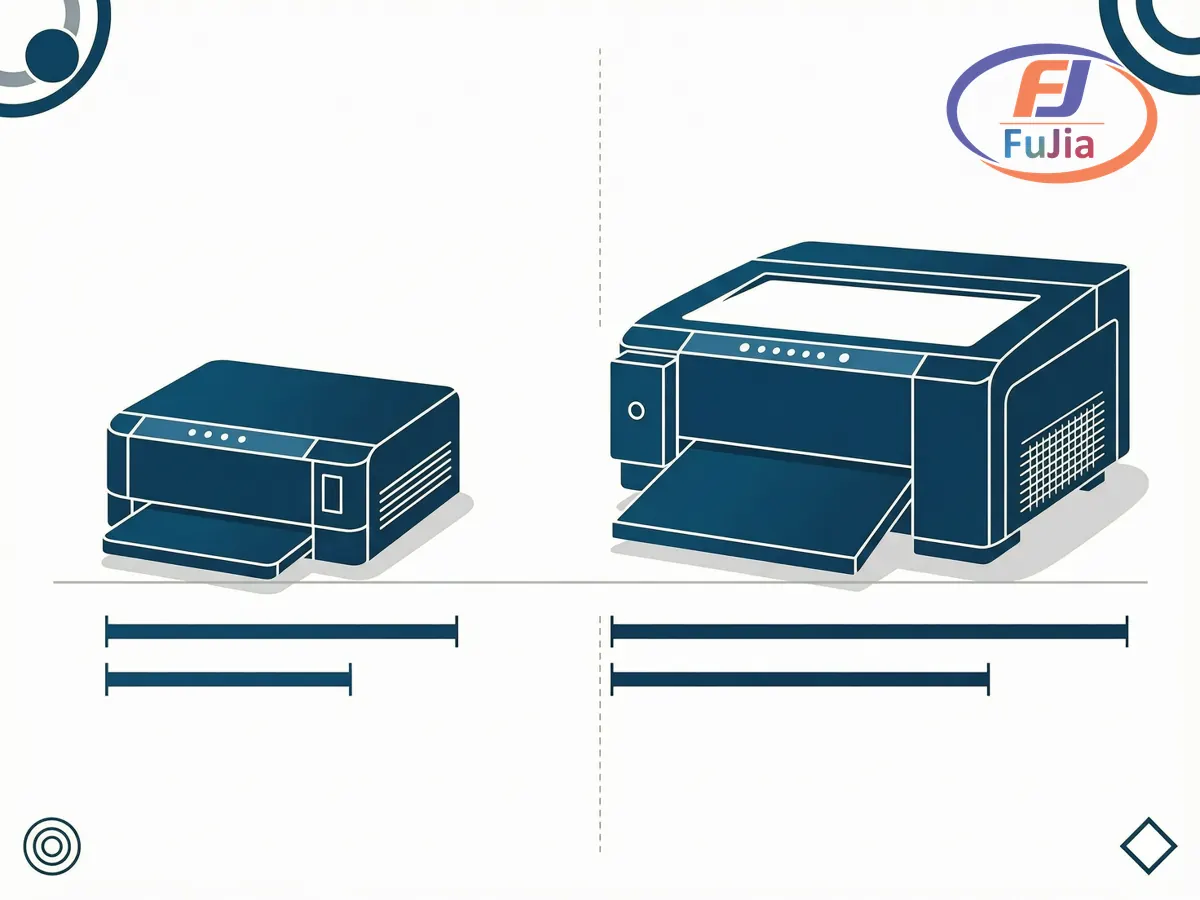
The single biggest home decision is print width, because width drives footprint, weight, and noise. An A3 desktop and an A1 industrial printer are different machines despite sharing the DTF name.
| Factor | A3 desktop (FJ-A30 / A3-2H) | A1 industrial (DTF-A1-4H) |
|---|---|---|
| Print width | 300 mm (A3) | 650 mm (25.5 in) |
| Printheads | 1 to 2 Epson (XP600) | 4 to 5 Epson I3200 |
| Speed | 2 to 3 m²/hr (1-head) | 27 m²/hr @4Pass |
| Resolution | 720×1200 to 1440×1440 dpi | 720×2400 dpi (8Pass) |
| Printer weight | Compact desktop | 155 kg printer + 230 kg shaker |
| Footprint | Fits 20 m² room, 120 cm bench | Dedicated shop floor |
| Noise | Below 32 dB idle | Up to 65 dB max |
| Home fit | Yes | No |
For a DTF printer for home use, the A3 desktop wins on every home constraint. Its 300 mm width handles shirts, tote bags, and small runs, while the A1’s 155 kg printer plus 230 kg shaker needs a reinforced floor and a dedicated room. The A1 earns its place only when weekly volume passes what a desktop can deliver. Epson printheads power both classes, and Epson documents these as industrial piezoelectric heads built for continuous duty.
Space, Noise, and Ventilation: The Real Home Limits
Three physical limits decide whether a DTF printer for home use works in your space. The first is floor area: an A3 desktop needs about 20 m² and a 120 cm bench, well within a spare room. The second is noise: Fujia’s A3 line runs below 32 dB when idle, roughly the level of a quiet library, so it will not disturb the rest of the house.
The third limit is air. DTF uses a powder shaker and a curing oven that release fine adhesive particles and heat, so a ventilated room or a small extractor fan is sensible. Keep the room at 18 to 25°C with 35 to 65% humidity to prevent ink clogs. Daily care is light: 3 to 5 minutes of wiping the capping station and running a nozzle check keeps the Epson printheads healthy. Our DTF printer maintenance guide covers the exact routine.
How the DTF Process Works at Home
The home workflow is straightforward once the bench is set. You print a mirrored design in CMYK plus white onto a PET film, dust hot-melt powder over the wet ink, and cure it under the oven. Fujia’s DTF ink runs a 13-color system (CMYK, light cyan, light magenta, orange, red, green, blue) for wider gamut than the 6-color setups most guides mention.
You then press the film onto the garment at 160°C for 15 seconds and cold peel the film away. That 160°C, 15-second, cold-peel step is the standard DTF transfer parameter, and a proper heat press makes it repeatable. Fujia’s DTF film uses a self-developed, 5-year R&D coating on Hengli virgin PET, which improves powder adhesion and peel consistency. For the press side, see our DTF heat press settings reference.
Fujia’s Home-Friendly DTF Models
Fujia Print’s A3 DTF line is built for the home and small-studio user. The FJ-A30 A3 1-head uses a single Epson XP600 printhead, prints 2 to 3 m²/hr at up to 1440×1440 dpi, and lives on a standard workbench. The A3 2-head steps up to two Epson heads for higher throughput while keeping the same small footprint.
Under the hood, these machines share Fujia’s named transmission stack: a Honson mainboard, a Leadshine servo motor, and a THK silent guide rail. That combination, not a vague “stable” claim, is what lets the printer hold quality through long runs. Buyers get a 12-month warranty, 48-hour parts dispatch, and a 3-day remote onboarding that takes a new operator from hardware setup to first perfect print. Fujia Print also holds ISO 9001 quality certification (ISO 9001), the global benchmark for quality management systems. Standard machines ship within 7 days of order confirmation.
Is Owning a DTF Printer Worth It for Home Use?
Ownership pays off when your volume clears the cost of film, ink, and powder. Fujia’s Brazil creative-studio customer ran an FJ-A30 from a 20 m² room and cut per-order cost from R$18 to R$6.5, a 64% drop, while lifting profit per order by 96% and reaching payback in 5.5 months. Their weekly orders rose from 15 to 22.
Based on data from our customers across 50+ countries, a home user printing 50 to 150 transfers per month typically recovers a roughly $1,500 A3 setup in 8 to 14 months, with faster payback in higher-labor-cost regions. Below that volume, outsourcing stays cheaper; above it, the machine pays for itself. The break-even point is volume, not skill, and an A3 desktop removes the space and noise barriers that once kept DTF out of the home.
What is a good DTF printer for home use?
A good DTF printer for home use is an A3 desktop model with at least one Epson printhead, because it fits a 20 m² room and runs below 32 dB. The Fujia FJ-A30 uses a single Epson XP600 head, prints 2 to 3 m²/hr at up to 1440×1440 dpi, and sits on a standard 120 cm bench, which matches most home studios. Avoid A1 industrial units for home: the DTF-A1-4H class weighs 155 kg for the printer plus 230 kg for the shaker and needs a reinforced floor. Price-wise, a capable home starter lands near $1,399 for a dedicated A3 desktop with oven, while modified Epson kits start around $489. Choose by weekly volume first, then by footprint, because the print width (300 mm on A3 versus 650 mm on A1) drives every other constraint. A 12-month warranty and 48-hour parts dispatch matter more at home, where you have no in-house technician.
Can I print my own DTF transfers at home?
You can print your own DTF transfers at home with a desktop printer, a powder shaker, and a curing oven, all of which fit a spare room or garage. The process prints a mirrored design in CMYK plus white onto PET film, applies hot-melt powder, cures it, and then presses onto fabric at 160°C for 15 seconds with a cold peel. Fujia’s DTF ink spans 13 colors for a wider gamut than the 6-color systems most home guides describe, and the film uses a 5-year R&D coating on Hengli virgin PET for cleaner peels. Ventilation is the main home requirement: a small extractor fan handles the fine powder and oven heat. Daily upkeep is only 3 to 5 minutes of capping-station wiping and a nozzle check. A Reddit print-shop owner already runs a home-based apparel side business this way, proving the workflow is realistic for non-factory users.
Is owning a DTF printer worth it?
Owning a DTF printer is worth it once your monthly transfer volume clears the cost of film, ink, and powder. The shift toward home and small-batch printing reflects a broader move in digital textile production (Statista textile printing). Fujia’s Brazil studio customer used an FJ-A30 in a 20 m² room and cut per-order cost from R$18 to R$6.5, a 64% reduction, while raising profit per order by 96% and hitting payback in 5.5 months. Based on data from our customers across 50+ countries, a home user printing 50 to 150 transfers per month typically recovers a roughly $1,500 A3 setup in 8 to 14 months, faster in high-labor-cost regions. Below that volume, outsourcing at $3 to $8 per transfer stays cheaper; above it, the machine pays for itself. The decision is about volume, not technical skill, and an A3 desktop removes the space and noise barriers. Factor the 3 to 5 minutes of daily maintenance as a fixed time cost in your math.
Which printer is best for DTF printing?
The best printer for DTF printing depends on your volume and space, not a single flagship model. For home and beginner use, an A3 desktop with one or two Epson heads is best: the FJ-A30 prints 2 to 3 m²/hr at 1440×1440 dpi and fits a 120 cm bench. For small businesses, the A1 dual-head at 4 to 6 m²/hr bridges desktop and industrial needs. Industrial A1 four-head units (27 m²/hr, 650 mm width) suit dedicated shops, not homes. Epson printheads dominate the category, with the XP600 in entry models and the I3200 in higher-volume machines. Fujia’s models add a Honson mainboard, Leadshine servo motor, and THK guide rail for stability during long runs. Match the print width to your typical product: 300 mm covers shirts and bags, while 650 mm serves bulk apparel. A 12-month warranty and 48-hour parts dispatch should be mandatory for any buyer.
Conclusion
A DTF printer for home use is a real, affordable option once you match the model to your room and volume. The A3 desktop line delivers garment printing from a 20 m² space at below 32 dB, with entry setups near $1,399 and payback possible within a year of steady use. For factory-direct DTF printers and a free sample printed on your own design, contact Fujia Print.
