

Sublimation Epson ink is a two-market phrase: Epson’s own OEM sublimation packs for its purpose-built F170 and F570 printers, and the third-party refill bottles that Ecotank owners convert with, and the two markets run on different rules. This guide matches every major Epson model to the ink it actually takes, prices both routes at 2026 street rates, and explains the conversion boundary that decides whether refills are a bargain or a warranty funeral. Match the ink to the machine first and the brand second, because the wrong pairing voids coverage on one side and ruins heads on the other.
Key Takeaways
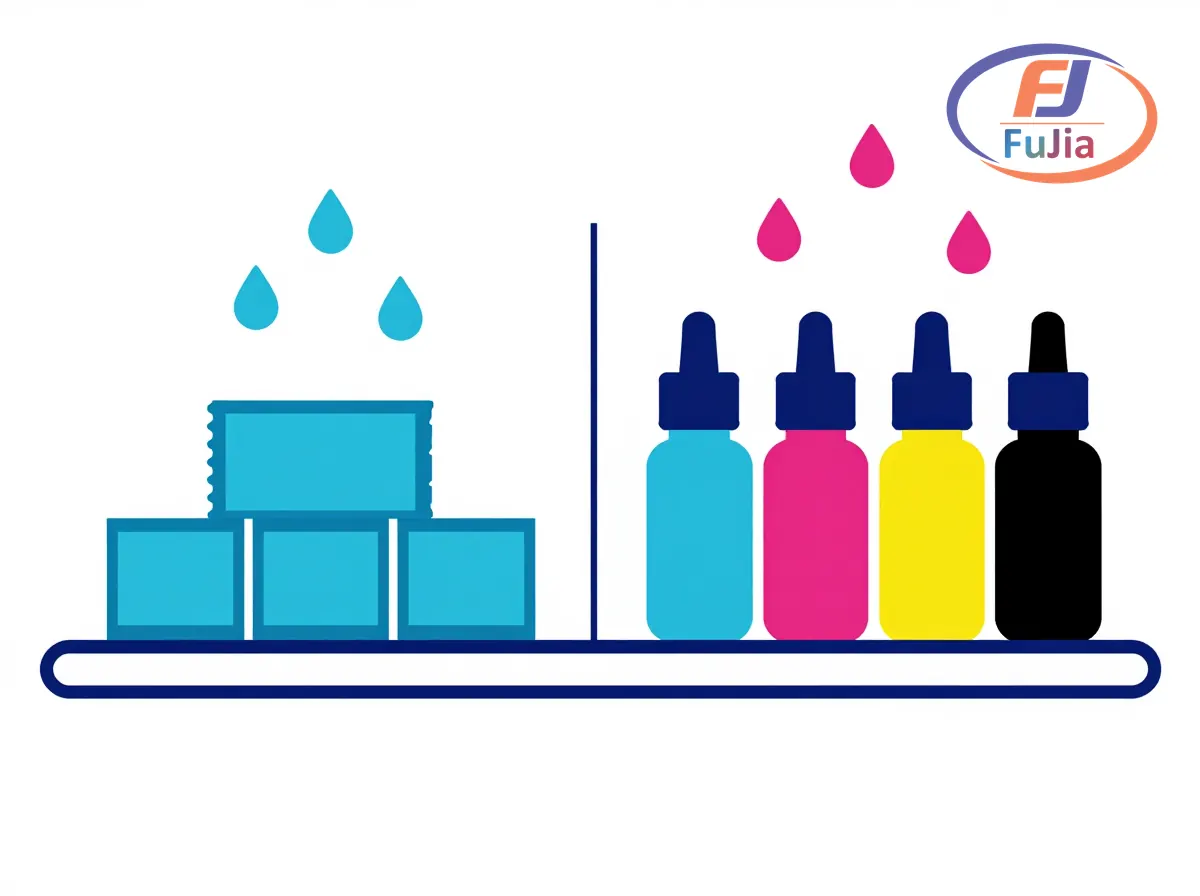
- Epson’s purpose-built sublimation printers, the F170 desktop and F570 wide-format, take only Epson’s own sublimation ink packs, and third-party bottles void their warranty outright.
- Converted Ecotank printers (ET-15000, ET-2800 series, ET-2760 and siblings) accept third-party sublimation ink through their refill tanks, which is the budget route most craft and small-business sellers run.
- Real 2026 pricing: third-party refill bottles run $10-25 per 490 ml color, complete CMYK refill sets $30-60, and Epson OEM F-series bottles run $25-40 per 140 ml color, roughly $18-29 per 100 ml.
- The conversion rule that matters: start sublimation ink in a fresh or professionally flushed Ecotank, because leftover regular dye ink cross-contaminates colors and the residue never fully clears.
- Production buyers skip the conversion question entirely: Fujia’s sublimation printers ship with matched SUI-STD ink so profile and chemistry are factory-tuned as one system.
The Two Epson Ink Markets
Epson occupies both sides of the sublimation ink trade, and the side you shop depends on the printer you own. The OEM side is Epson’s own F-series: the 8.5 in F170 desktop and the 24 in F570 ship as purpose-built sublimation machines, their warranty terms written around Epson sublimation ink packs specifically, and running third-party bottles through them ends coverage on the spot. The conversion side is the Ecotank universe, where the refill-tank architecture that made Epson famous for cheap document printing doubles as the perfect delivery system for third-party sublimation ink, no cartridges to fight, just pour and print, and the warranty is already considered spent in this use case by everyone involved.
Here’s the thing about that fork: it explains most of the conflicting advice online, F-series owners are answering “which official pack fits my warranty,” Ecotank owners are answering “which bottle prints best for $15,” and neither answer applies to the other machine. Matching printer to market first, as our sublimation printers guide lays out, ends the confusion before it starts.
Which Epson Printer Takes Which Ink
| Epson printer | Ink it takes | Route | Notes |
|---|---|---|---|
| F170 (desktop) | Epson OEM sublimation packs only | OEM | warranty void on third-party |
| F570 (24 in) | Epson OEM sublimation packs only | OEM | production-grade, same rule |
| ET-15000 / ET-2800 / ET-2760 + siblings | third-party sublimation refills | converted | the budget mainstream |
| Workforce / Expression cartridges models | not practical for sublimation | neither | cartridges resist swapping |
The table’s last row matters as much as the first two: cartridge-based Epson printers are the conversion market’s dead end, because swapping ink means fighting cartridges or syringing through heads designed to lock. The Ecotank’s refill tanks are precisely why it owns the converted space. Within that market, the popular bottle brands, Hiipoo, Printers Jack, InkOwl Performance Ultra, and the Walmart-shelf COLOR MASTER lines, differ mainly in filtration quality and batch consistency, and the differences show up as nozzle checks rather than color swatches.
Real 2026 Prices on Both Routes
| Product | Size | 2026 price | Per-100ml |
|---|---|---|---|
| COLOR MASTER Ecotank refill | 490 ml per color | $10-25 | ~$2-5 |
| Third-party CMYK refill set (Hiipoo/Printers Jack class) | 4 x 100-130 ml | $30-60 | ~$8-15 |
| Complete 490 ml CMYK bundle | 4 x 490 ml | $40-70 | ~$8-14 |
| Epson OEM F170/F570 ink bottle (T49M, per color) | 140 ml | $25-40 | ~$18-29 |
The pricing tells the strategy on its own: converted Ecotank ink costs $2-5 per 100 ml, OEM F-series bottles run roughly $18-29 per 100 ml, and the premium buys a sealed system, matched filtration, and a warranty that actually exists. For craft sellers printing under 50 pieces weekly, a few hundred 8 in transfers at most, the conversion economics are unbeatable and the risk is acceptable; for anyone running production, the math flips toward either the F570 or a purpose-built factory machine with matched ink, because a single clog from bad filtration costs more head-time than a year of OEM price difference.
The Conversion Boundary: What Voids, What Cross-Contaminates
Two rules fence the converted route, and both get learned the expensive way when skipped. The warranty rule: converting any Epson printer to sublimation ink is a warranty event on contact, Epson’s terms are unambiguous, so the standard practice is buying a cheap Ecotank (the $200-250 ET-2800 class) as a dedicated sublimation unit and letting its consumer warranty be hypothetical from day one. The contamination rule: sublimation ink must go into a fresh or professionally flushed system, because regular dye ink left in tanks, lines, and head channels bleeds into the sublimation colors permanently, and a printer that ran black document ink will ghost magenta and cyan bands into every transfer for its remaining life; no flush fully reverses it, which is why the second Ecotank costs less than the first flush attempt.
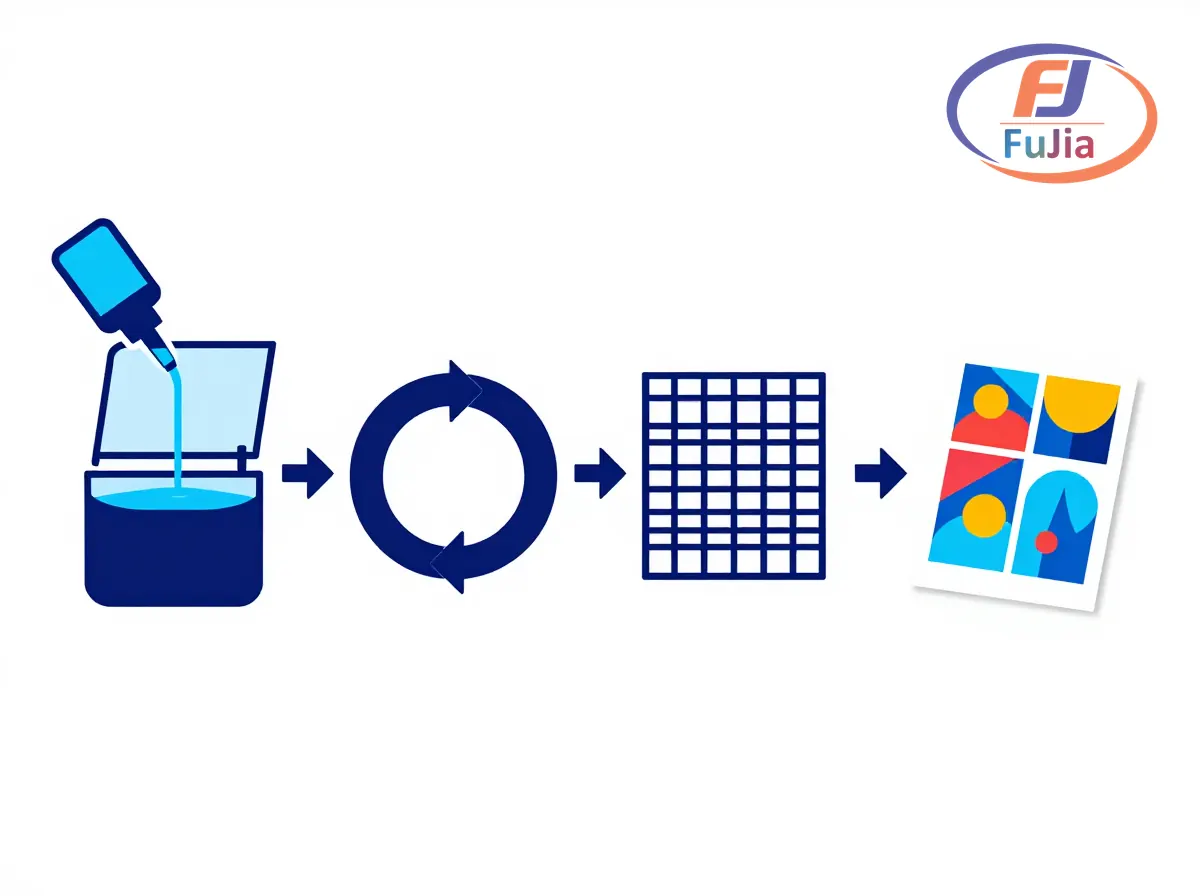
Beyond those fences, the conversion workflow is genuinely simple: fill the tanks, run cleaning cycles until nozzle checks are perfect, dedicate the printer to sublimation forever, and keep it printing weekly so dye does not settle in the channels. Our sublimation ink vs printer ink breakdown covers why regular ink fails sublimation duty chemically, not just by warranty letter.
What Production Buyers Do Instead
Volume ends the OEM-versus-refill debate by changing the machines. At production scale, sublimation runs on wide-format industrial printers with factory-matched ink systems, where the profile and the chemistry are tuned together and support covers the combination, and that is the bracket Fujia’s sublimation printers occupy with the matched SUI-STD ink system, part of the consumables lineup, formulated in-house so color pipelines hold across batches and machines. Based on data from our customers across 50+ countries, matched ink is the single biggest reducer of first-month color complaints on production machines, the same argument Epson makes for its F-series packs at the small end.
That said, the craft-to-production path usually runs through the converted Ecotank honestly: start with a $250 printer and $25 of ink, learn the workflow’s failure modes cheaply, and graduate to matched production hardware when volume justifies it, which is a healthier sequence than buying production hardware first and learning on it.

What Epson ink is used for sublimation?
Purpose-built Epson sublimation printers, the F170 and F570, use Epson’s own sublimation ink packs, which are the only consumables their warranty covers. Converted Ecotank printers (ET-15000, ET-2800 series, and siblings) use third-party sublimation refill bottles poured into their tanks, with Hiipoo, Printers Jack, and InkOwl among the established brands. Regular Epson dye or pigment ink is not sublimation ink in any sense, and neither chemistry swaps into the other’s printer without voiding coverage or ruining output.
Can I do sublimation with an Epson printer?
Yes, and Epson printers are the sublimation market’s backbone in both routes: the purpose-built F-series for warranty-backed small production, and converted Ecotanks for the budget mainstream. The printer needs refill tanks or OEM sublimation packs, piezo heads that tolerate the dye formulation, and a dedicated sublimation-only life, because mixing regular ink and sublimation ink in one machine contaminates both. Choose the F-series when the warranty matters, an Ecotank conversion when the budget does, and a factory-matched wide-format machine when volume does.
Can you convert an Epson printer to sublimation after using regular ink?
Technically possible and practically a bad idea. Leftover dye ink sits in the tanks, dampers, and head channels, and it migrates into the sublimation colors no matter how many cleaning cycles run. The result is muted bands and off-color ghosts that never fully clear. The standard practice is buying a fresh Ecotank for sublimation duty, keeping the old printer for documents, and accepting that the $200 duplicate printer costs less than one contaminated head: sublimation ink goes in first, stays in forever, and the printer never sees regular ink again.
What ink is best for sublimation?
The best ink matches the machine and the volume. For Epson F-series printers, Epson’s own packs are the only warranty-safe choice, and their filtration is matched to the heads. For converted Ecotanks, established refill brands with consistent filtration (Hiipoo, Printers Jack, InkOwl) deliver vivid color at $2-5 per 100 ml bottle, and the practical test is a perfect nozzle check after two weeks plus a 20-wash color hold on your substrate. For production machines, factory-matched ink like Fujia’s SUI-STD wins because profile and chemistry are tuned together. That is why matched systems dominate every serious production floor.
Verdict
Sublimation Epson ink is two purchases, not one: OEM bottles for the F-series printers that demand them, and third-party refill bottles for the Ecotank conversions that run the budget market, priced from $10-25 per 490 ml bottle to $25-40 OEM bottles, a 4-10x gap in cost per ml. The rules that matter are the conversion fence, fresh printer, dedicated life, warranty already spent, and the volume threshold where craft economics hand over to matched production systems. Test with your own designs, judge by nozzle checks and 20-wash color hold, and match the ink route to the machine you actually own. To see what factory-matched sublimation looks like at production width, contact Fujia Print for a comparison sample pack.
Sources
- Epson sublimation printers: official F-series product line and OEM ink requirements.
- InkOwl Performance Ultra for Epson wide format: third-party refill market reference.
- Wikipedia: EcoTank: refill-tank architecture background.
- Wikipedia: Inkjet printing: piezo inkjet context for head compatibility.
