

RIP software for DTF printing converts your artwork into printer instructions, and in 2026 it runs from $175 for AcroRIP V11 to $1,500-plus for Fiery Digital Factory, with CADlink Digital Factory in the professional middle at $695 to $1,495. The software decides how your white underbase lays, how colors match across batches, and how much film each job wastes. This guide breaks down every price tier, the white ink settings that matter, and when a bundled RIP is enough.
Key Takeaways
- A RIP (raster image processor) handles four jobs in DTF: white ink channel generation, ICC color management, layout and nesting, and print queues.
- 2026 prices: AcroRIP V11 from $175-799, EKPrint Studio $449-499, CADlink Digital Factory $695-1,495 by license tier, Fiery $1,500+, DevStudio $575-1,880 by printer width.
- The white ink settings that separate clean prints from ghosted ones are choke (pulling white inside the color edge), highlight white, and percentage underbase for gradients.
- CADlink and DigiRIP both offer 15-day free trials, which is enough time to test color output on your own artwork before paying.
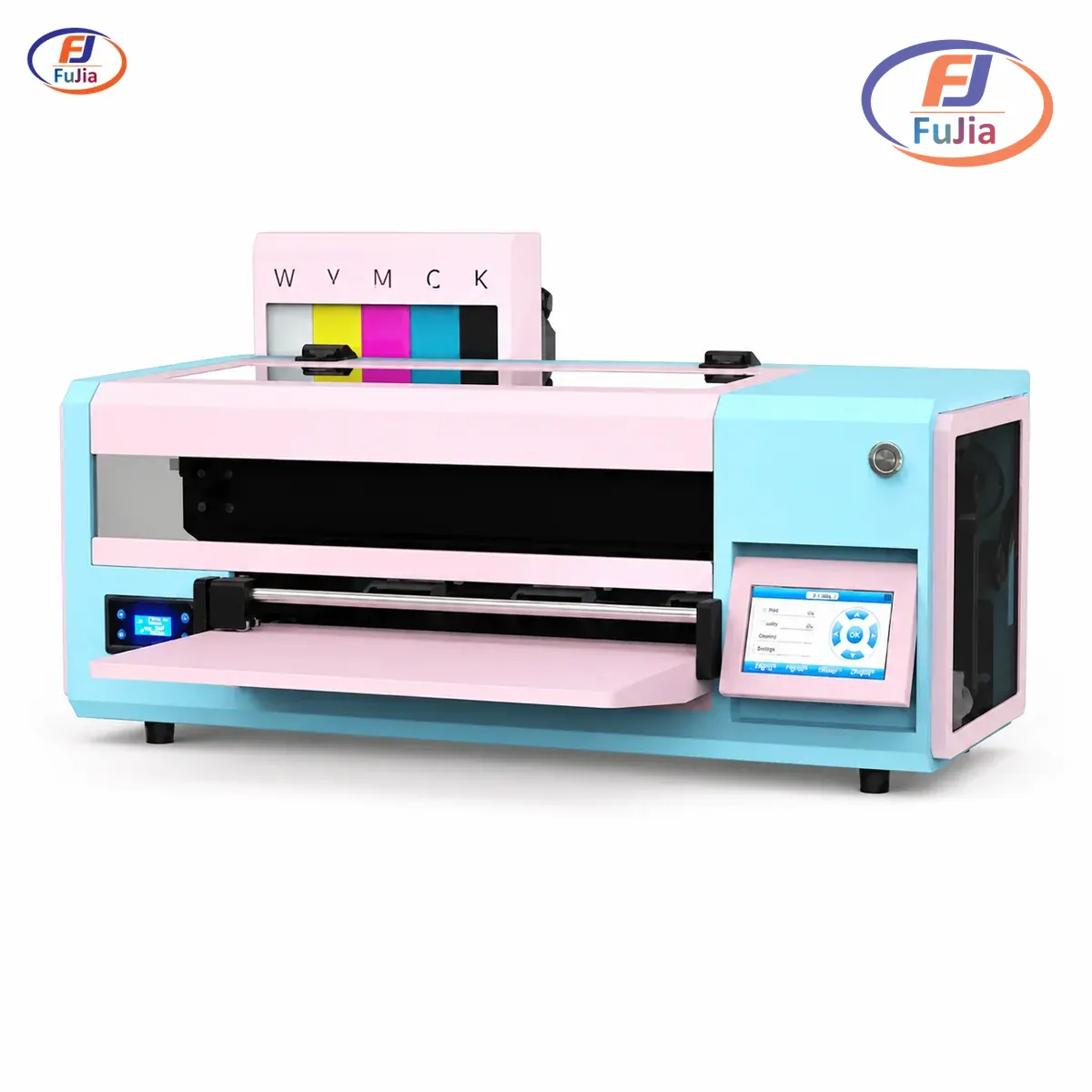
- Most Chinese-manufactured DTF printers ship with a working bundled RIP, and factories like Fujia include options such as Maintop, Photoprint, Flexi, or RIIN with the machine.
What Does RIP Software Do in DTF Printing?
A RIP is a raster image processor, the software stage that translates your design file into the dot patterns and channel instructions a printer can execute, and in DTF it owns four decisions that a normal print driver cannot make. It generates and controls the white ink underbase that sits beneath your colors. It applies ICC color profiles so the red on your monitor matches the red on 500 shirts. It handles layout, mirroring, and nesting so designs pack onto film efficiently. It manages the print queue so a shop running multiple jobs a day does not drown in manual file handling.
The white channel is what makes DTF RIPs special and ordinary drivers useless. Desktop drivers assume CMYK on white paper; DTF prints CMYK plus a white layer that must sit under the colors at the right opacity, in the right shape, mirrored for pressing. Get the white layer wrong and every shirt shows it: colors look washed out where white ran thin, ghost edges appear where white bled outside the color boundary, and gradients band where underbase percentage stayed fixed at 100.
Color management is the quieter half of the job. ICC profiles translate between your design software’s colors and the actual ink chemistry in your printer, and without a correct profile the same file prints differently across weeks as ink batches and temperatures shift. A hotel textile supplier we worked with won five hotel-chain contracts partly on Pantone matching across cotton and polyester, cutting batch delivery time by 8 days, and that level of cross-fabric consistency starts with profile-driven RIP output rather than eyeballing color on a screen.
RIP Software Prices in 2026
Published dealer prices in 2026 split into four clean tiers, and the jump between tiers buys specific capabilities rather than just a brand name. Budget tier buys working white ink control; professional tier adds workflow automation; enterprise tier adds speed and network throughput for multi-printer floors.
| Software | License scope | Street price (2026) | Best fit |
|---|---|---|---|
| AcroRIP V11 | single printer, dongle | $175-799 (commonly $200-400 genuine) | beginners, single desktop printer |
| EKPrint Studio | full version | $449-499 | budget shops wanting modern UI |
| CADlink Digital Factory v11 DTF | desktop license | $695 | professional single-operator shops |
| CADlink DF v11 commercial + port | commercial + add-on port | $985-1,495 | growing shops, second printer |
| CADlink ICC profiling module | add-on | $1,350 | color-critical production |
| DevStudio DTF RIP V8 | by printer width | $575 (A3+) to $1,880 (A0+) | wide-format printers |
| Fiery Digital Factory DTF | enterprise | $1,500+ | multi-printer, high-volume floors |
The tier logic matters more than any single price. AcroRIP at $175-400 covers channel control and basic layout, which is genuinely all a one-printer shop needs to produce sellable transfers. Moving to CADlink at $695 buys automated job preparation, better color tooling, and the workflow features that stop mattering at ten shirts a week and start saving hours at a hundred. Fiery’s $1,500-plus tier exists for floors running several printers around the clock, where processing speed across a shared queue is the product; paying that price for a single desktop machine buys nothing a $695 license lacks.
White Ink Controls That Make or Break Prints
Three settings carry most of the quality difference between RIP tiers, and all three are invisible in product listings. Choke pulls the white underbase slightly inside the color edge, which prevents white halos from peeking out around designs after pressing; without choke, every transfer shows a faint white outline that customers read as a defect. Highlight white adds a second white pass on top of color in selected areas, boosting opacity where designs sit on dark fabric and need extra punch.
Percentage underbase control is the third and least understood setting. Running white at 100 percent under every design maximizes opacity but also maximizes stiffness and ink cost, while dropping to 60-80 % under gradients and photographic areas produces softer, more breathable prints that customers prefer on worn garments. Shops printing photorealistic work on black hoodies and lightweight logos on white tees from the same queue need this control to serve both without changing film or workflow.
The honest truth about RIP upgrades: these three controls explain most of them. A shop fighting ghost edges usually has no choke control in its bundled RIP, and a shop whose dark-garment prints look dull usually lacks highlight white; both symptoms disappear after moving to a RIP that exposes those settings, which is why the software upgrade so often looks like a printer upgrade to unhappy customers.
Workflow Features Worth Paying For
Nesting and gang-sheet tools are the first paid features that pay for themselves. Automatic nesting arranges multiple jobs across the film width to minimize waste, and at $0.79 per 13 in x 19 in sheet, squeezing a fourth design onto a sheet cuts per-print film cost by 25 percent without touching anything else in the workflow. Job costing calculates ink and film consumption per file before printing, which turns quoting from guesswork into arithmetic for shops that sell per-design rather than per-hour.
Templates and queues matter once a shop repeats work. Templates save the settings for a specific client or garment so reloading a weekly job is one click instead of a settings hunt, and queue management keeps a day’s jobs ordered and traceable instead of living in a folder of undifferentiated files. Barcode job loading, the top of this tier, suits operations where multiple operators share several printers and mis-queued jobs cost real money.
| Capability | AcroRIP V11 | CADlink DF v11 | Fiery DTF |
|---|---|---|---|
| White channel control | basic on/off + opacity | choke, highlight, % underbase | full, per-layer |
| ICC color profiling | limited profiles | built-in tools, module $1,350 | enterprise profiling |
| Auto-nesting / gang layout | manual placement | automated nesting | automated + queue-wide |
| Job costing per file | no | yes | yes, network-wide |
| Templates & job queue | basic | yes | multi-printer queues |
| Multi-printer support | 1 license, 1 printer | add-on port ~$200/printer | native, network |
| Price tier (2026) | $175-400 | $695-1,495 | $1,500+ |
The honest budget line sits at volume. Under roughly 30 prints a week, every workflow feature in the professional tier saves minutes, not hours, and AcroRIP’s channel controls cover the actual quality needs; at a hundred or more weekly prints, nesting and job costing recover their license cost within weeks in saved film and quoting time, which is the crossover where CADlink’s tier starts earning its price.
Bundled vs Paid RIP: What Fujia Ships
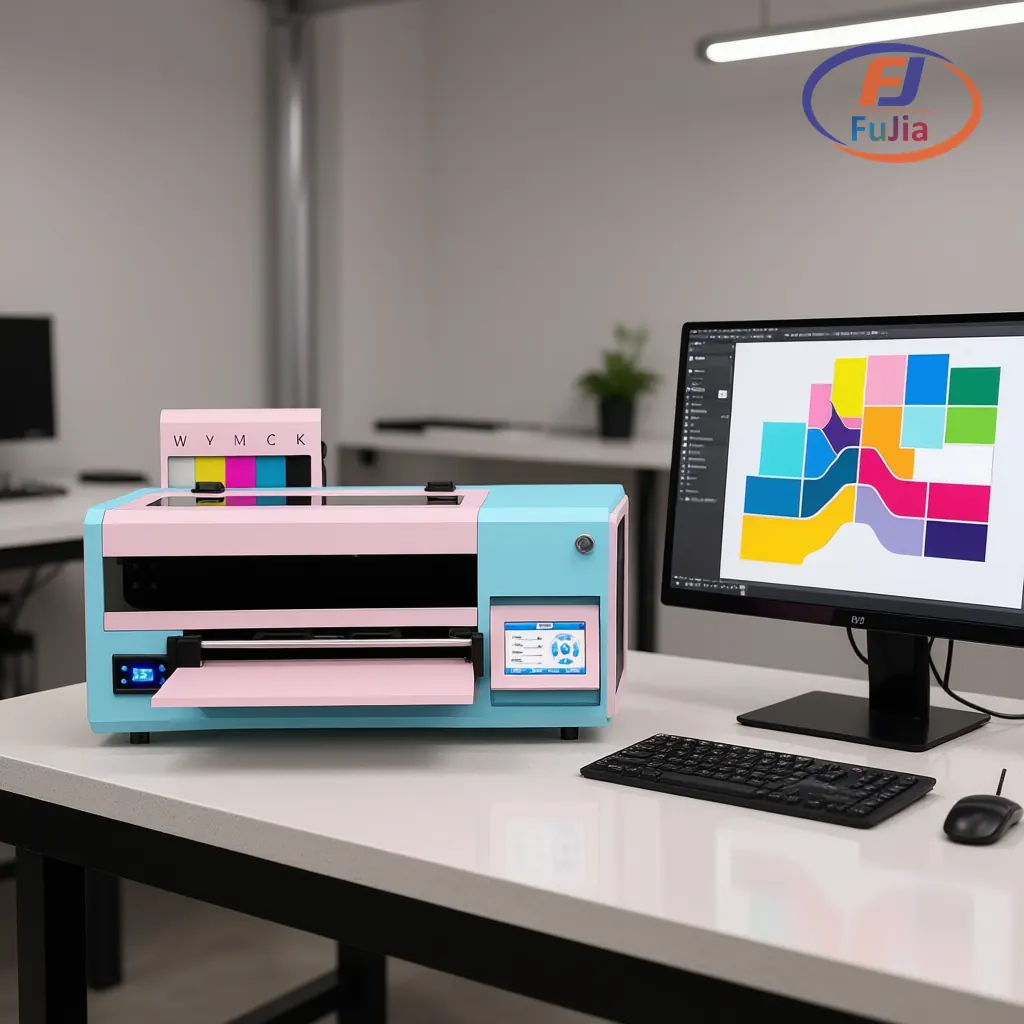
Every Fujia DTF printer ships with a working licensed RIP included, with four options across the lineup: Maintop, Photoprint, Flexi, and RIIN. The bundle exists because a printer without functioning white channel software is a paperweight, and factory inclusion means the RIP is tested against the exact board and head configuration in your machine, which eliminates the compatibility lottery of buying software separately for a converted printer. Day 2 of Fujia’s 3-day remote onboarding covers RIP installation and ICC profiling specifically, so the color pipeline is tuned before the first production run rather than after the first complaint.
The bundled tier has real limits, and pretending otherwise sells nobody. Bundled RIPs handle channel control and standard layout well, but shops that outgrow them hit the same walls: no advanced nesting, limited job costing, basic color tooling. Based on data from our customers across 50+ countries, the upgrade path is straightforward because the skills transfer: an operator who learned white channel control on Maintop drives CADlink in an afternoon, and the ICC profile built during onboarding carries over conceptually even when the file format changes. Most small shops will not need that upgrade in year one, and that is fine
Buyers comparing complete packages should price the software into the machine quote rather than after it. A printer that looks $300 cheaper than a competitor’s often ships without any licensed RIP, and adding CADlink at $695 afterward erases the discount; Fujia includes the license and the onboarding day, and our DTF printers list what ships in the box so quotes compare like for like.
Free Trials & Piracy Risks
Legitimate trials cover the two platforms most people are deciding between: CADlink Digital Factory offers a 15-day free trial through dealers like Swing Design, and DigiRIP ships the same 15-day structure, enough time to run your own artwork through the color pipeline before spending anything. Download the trial, print your actual best-selling design, wash it, and let the results argue for or against the purchase.
Pirated RIP software is the trap at the bottom of this market. Cracked AcroRIP versions carry malware risk and unverified drivers that fire wrong channel data at your printhead, and a corrupted white channel map can flood a head and end a 400 dollar printhead in one job. The $200 saved on a genuine dongle is not worth a repair that starts at $300 plus a week of downtime.
The short version on budgeting: start on the bundled RIP that came with your machine, then use a 15-day trial when volume justifies testing the paid tier. We recommend against buying any paid tier before your current setup has visibly failed you on a real job. That sequence costs nothing, respects the licensing, and puts real production data behind the upgrade decision instead of forum advice.
How much does RIP software cost?
Published 2026 prices span four tiers. AcroRIP V11 runs $175-799 depending on dealer, with genuine dongle licenses commonly $200-400; EKPrint Studio sits at $449-499 for a full version; CADlink Digital Factory runs $695 for a desktop DTF license, $985-1,495 for commercial tiers with extra printer ports, and $1,350 for the ICC profiling module; Fiery Digital Factory starts above $1,500 for enterprise floors. Width-licensed options like DevStudio run $575 for A3-class printers up to $1,880 for 44-inch systems. Budget an extra port license around $200 if you add a second printer later, and treat prices significantly below these ranges as probable pirated copies with real malware and driver risks.
Is there a free trial of RIP software for DTF printing?
Yes, the two platforms most buyers choose between both offer structured trials. CADlink Digital Factory provides a 15-day free trial through authorized dealers such as Swing Design, and DigiRIP ships with the same 15-day trial structure, with both giving full functional access rather than crippled demos. The effective way to use a trial is to test with your own production artwork rather than sample files: print your best-selling design, check the white edges for choke quality, wash the transfer, and compare against your current output. Fifteen days covers that evaluation cycle comfortably, roughly 100 prints at production pace. Beyond trials, most Chinese-manufactured DTF printers ship with a licensed bundled RIP included in the machine price, which is a permanent no-cost option for the life of the printer.
Can you do DTF without RIP software?
Not for production work. A standard printer driver cannot generate the white underbase channel, apply ICC color profiles, mirror for pressing, or manage channel mapping for a DTF-modified printer, and skipping those steps produces transfers with washed-out colors, ghosted white edges, and unpredictable results across print sessions. The closest workflow to RIP-less DTF is outsourcing, where a transfer supplier’s RIP handles the color work and you only operate the heat press, which suits shops under roughly 20 pieces a week but surrenders margin and turnaround. Every serious in-house DTF setup runs some form of RIP, whether that is the bundled license included with factory-built printers like Maintop, Photoprint, Flexi, or RIIN on Fujia machines, or a paid tier like AcroRIP or CADlink.
What is the best software for DTF printing?
The best software is the tier that matches your volume, because each tier buys specific capabilities. For a single desktop printer under roughly 30 prints weekly, AcroRIP V11 at $200-400 delivers working white channel control and everything a small shop needs. For growing shops at a hundred or more weekly prints, CADlink Digital Factory at $695-1,495 adds the nesting, job costing, and color tooling that recover its license in saved film and quoting time within weeks. For multi-printer production floors, Fiery above $1,500 buys processing speed across shared queues. Before paying anything, run the 15-day CADlink or DigiRIP trial on your own artwork, and remember that many factory-built printers including Fujia’s ship with licensed bundled software, so the honest best first RIP is often the one already included in your machine quote.
Verdict
RIP software is the highest-leverage upgrade in a DTF workflow, and the 2026 market prices the tiers honestly: $200-400 buys working white ink control in AcroRIP, $695-1,495 buys CADlink’s professional workflow and color tooling, and $1,500-plus buys Fiery’s multi-printer speed. Test before buying with the 15-day trials, run your own artwork, and check what your printer already includes, because a factory license plus onboarding day covers most shops’ real needs. If you are comparing complete packages rather than software alone, our DTF printer software guide pairs with the factory-direct DTF printers lineup that ships with licensed RIP options included.
Sources
- Wikipedia: Raster image processor: definition and function of the RIP stage referenced throughout.
- Wikipedia: ICC profile: color management standards behind the profile-driven output discussed in the color sections.
- CADlink: vendor reference for Digital Factory, the professional-tier DTF RIP covered in the pricing tables.
