

The HTVRONT D2 is a beginner-focused 13-inch DTF printer built around a single XP600 printhead, selling for $2,599.99 in its standard kit. This review breaks down what the D2 actually delivers, where it fits, and how it stacks up against factory-direct industrial DTF printers when your volume grows.
\n\n\n\n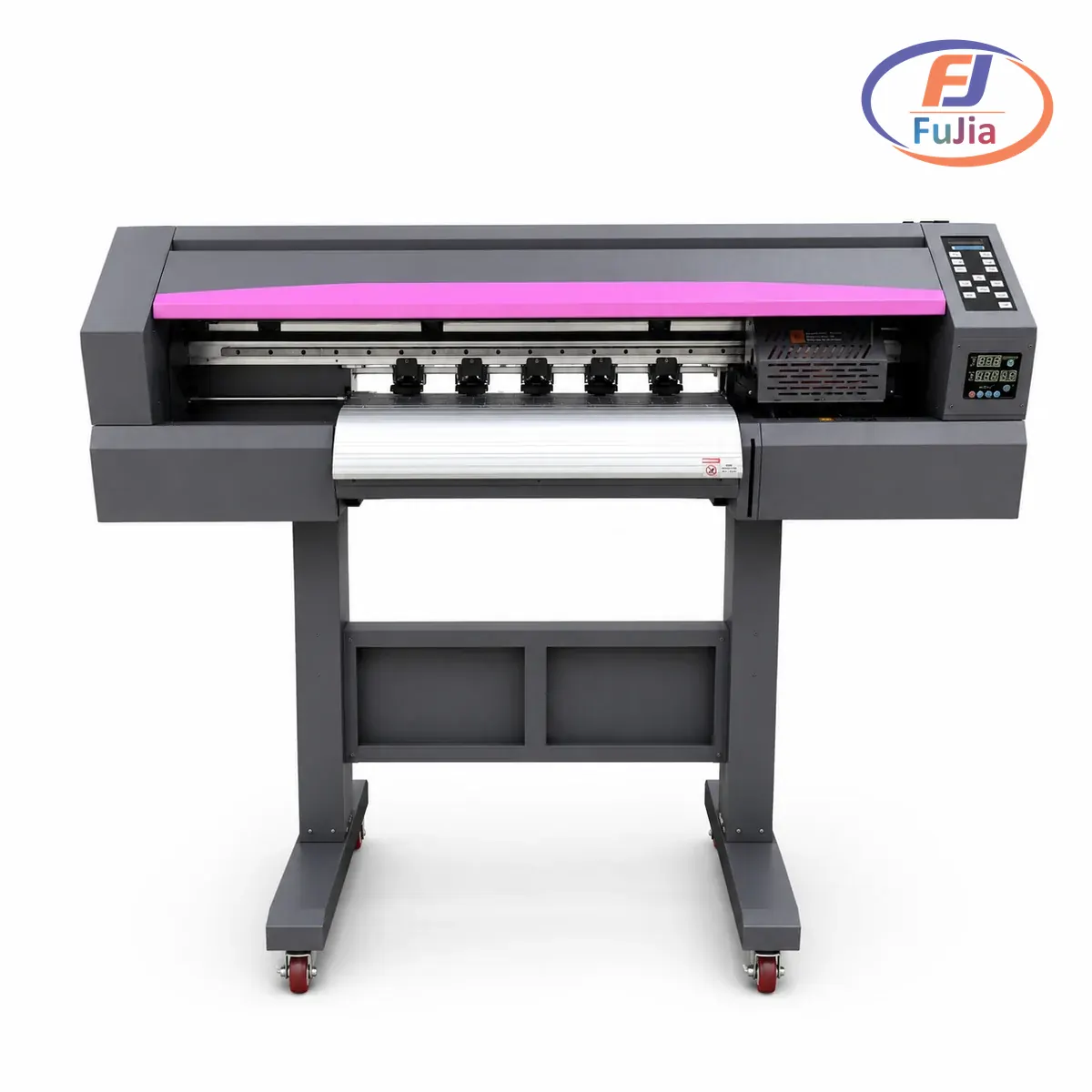
Key Takeaways
\n\n\n\n- \n\n\n
- The HTVRONT D2 costs $2,599.99 (MSRP $3,499.99) and uses one XP600 printhead with 1,080 nozzles. \n\n\n
- Print width is 13 inches with a top resolution of 720×1440 dpi and a rated speed near 16 ft/hour. \n\n\n
- HTVRONT targets hobbyists and small home businesses, not 24/7 production shops. \n\n\n
- Fujia builds factory-direct A1 DTF printers with dual and quad Epson I3200 heads for higher volume. \n\n\n
- Buy the D2 if you print a few shirts a week. Move to an A1 dual-head once you cross 200 transfers a day. \n\n\n
What Is the HTVRONT D2 DTF Printer?
\n\n\n\nHTVRONT is a crafting brand best known for heat presses and cutting machines. The D2 is its entry DTF printer, a 13-inch desktop unit designed for people moving from vinyl to printed transfers. The machine prints CMYK plus white ink onto PET film, then powder and cure the film before heat pressing onto garments. Our guide to what DTF printing is covers the full workflow if you are new to the process.
\n\n\n\n\n\n\n\nThe D2 pairs with HTVRONT’s IdeaStudio software, which handles design and print in one window. HTVRONT sells the D2 in five bundles, from a bare Standard Kit at $2,599.99 up to an all-in-one kit with oven and auto heat press at $3,149.99. The D1, HTVRONT’s earlier model, lists at $3,199.00, and the LOKLiK iPrinter A3 XP600 kit sits at $3,699.00.
\n\n\n\nHTVRONT D2 Specs at a Glance
\n\n\n\n| Spec | \nHTVRONT D2 | \nNotes | \n
|---|---|---|
| Printhead | \n1x XP600 | \n1,080 nozzles, single head | \n
| Print width | \n13 inches | \n330 mm film roll supported | \n
| Resolution | \n720×1440 dpi | \nSix-channel system | \n
| Speed | \n16 ft/hour | \nRoughly 4.9 m2/hr | \n
| Ink | \nCMYK + White | \n500 ml x 6 included | \n
| Standard kit price | \n$2,599.99 | \nMSRP $3,499.99 | \n
| Warranty | \nNot published | \nRemote support offered | \n
The single XP600 head is the D2’s defining limit. One head must lay both color and white ink, so throughput caps out around 4.9 m2/hr. That is enough for a side business but tight for daily production.
\n\n\n\nHTVRONT D2 vs Fujia A1 DTF Printers
\n\n\n\n| Factor | \nHTVRONT D2 | \nFujia A1 Dual-Head | \n
|---|---|---|
| Printheads | \n1x XP600 | \n2x Epson I3200 | \n
| Width | \n13 inches | \n25.5 inches (650 mm) | \n
| Speed | \n~4.9 m2/hr | \n8-13 m2/hr | \n
| Transmission | \nConsumer board | \nHonson mainboard + Leadshine servo + THK guide | \n
| Warranty | \nNot published | \n2 years + 48 hr parts | \n
| Best for | \nHobby, low volume | \nProduction, 200+ transfers/day | \n
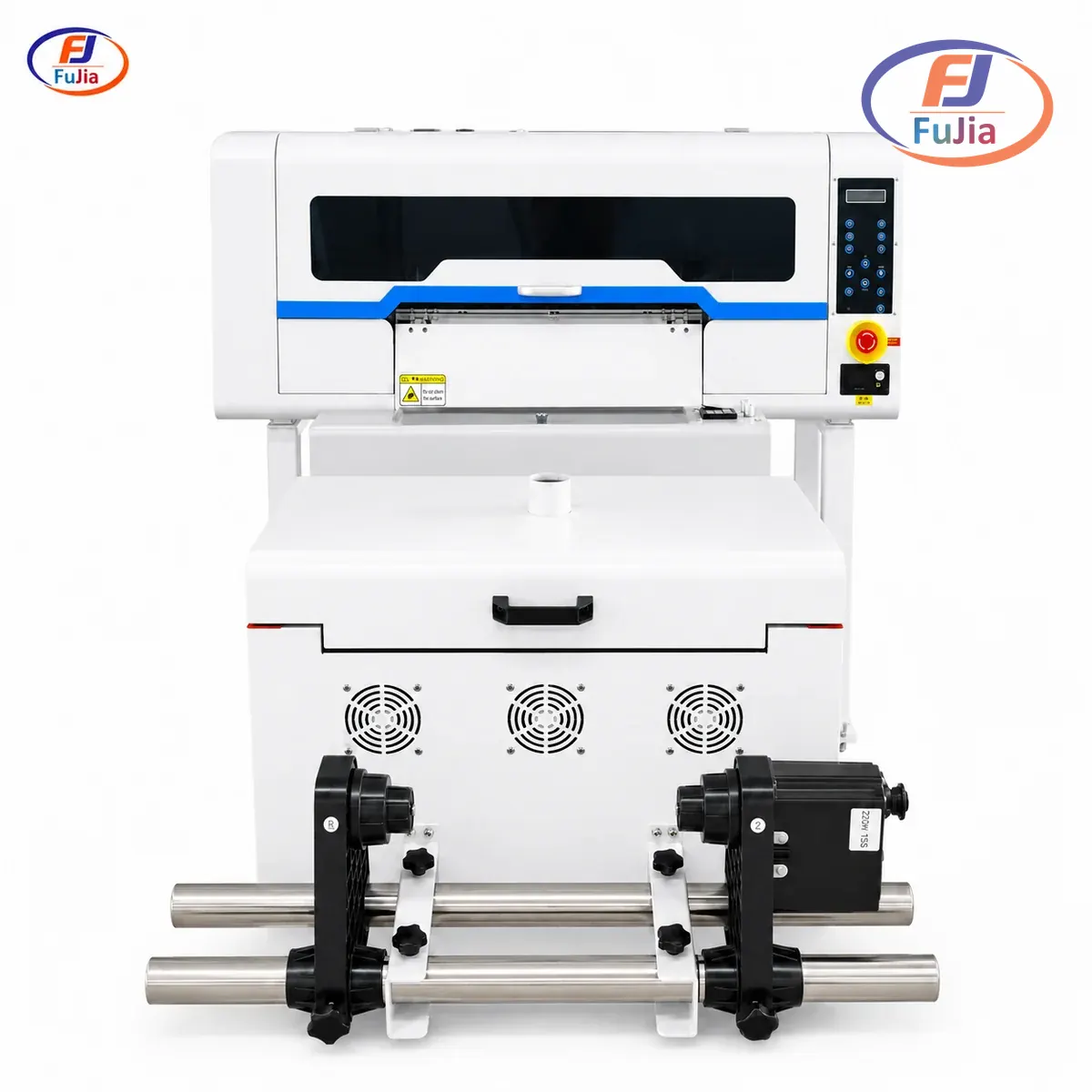
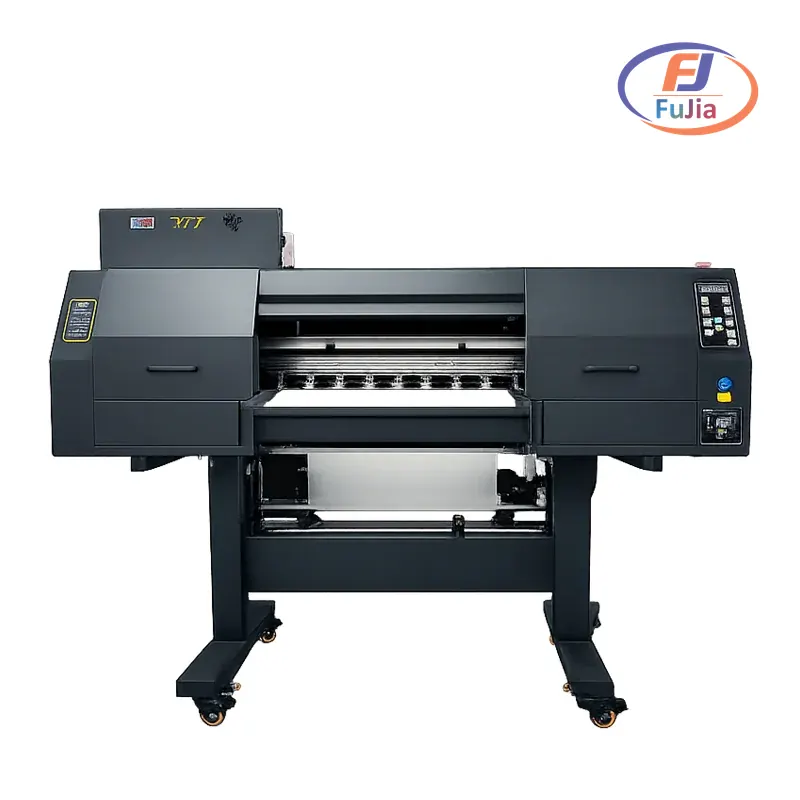
Fujia’s A1 dual-head printer uses two Epson I3200 printheads and a named transmission stack: Honson mainboard, Leadshine servo motor, and THK silent guide rail, which lets it run 12-hour continuous batches without quality drift. The same stack sits in the Turkish garment factory that lifted throughput 40% and cut cost 30% after switching from screen printing.
\n\n\n\nThe honest truth is that printhead count, not brand, decides daily capacity. One XP600 gives you a great start, while two I3200 heads give you a business.
\n\n\n\nPricing and What You Actually Get
\n\n\n\nHTVRONT’s pricing is straightforward. The Standard Kit at $2,599.99 includes the printer, 500 ml of ink across six bottles, a 330 mm x 50 m film roll, 1 kg of powder, and cleaning fluid. Step up to an Oven Kit at $2,749.99 to $2,849.99, or the all-in-one at $3,049.99 to $3,149.99 with an auto heat press.
\n\n\n\n\n\n\n\nBased on data from our customers across 50+ countries, most home-based decorators outgrow a single-head 13-inch machine within 6 to 12 months once word of mouth kicks in. The jump to a 25.5-inch A1 dual-head typically pays back in 3 to 8 months at 200+ transfers per day. Our A1 DTF printer buying guide maps the upgrade path in detail.
\n\n\n\nWho Should Buy the HTVRONT D2?
\n\n\n\nThe D2 fits three buyers. First, crafters adding printed shirts to an existing vinyl business. Second, market-booth sellers doing short runs. Third, curious beginners who want a low-risk entry before committing to industrial gear.
\n\n\n\nIf you’re just starting out, the D2’s automated maintenance and ink-shortage alerts remove most of the daily worry. HTVRONT built those features for non-technical users. The moment your queue passes 200 transfers a day, a single head becomes the bottleneck, and you will be quoting longer lead times than your competitors. For small-business DTF printing, a dual-head unit is the safer long-term bet.
\n\n\n\nMaintenance and Support
\n\n\n\nHTVRONT promotes an automated maintenance system that keeps ink flowing and alerts you to shortages or leaks. The D2 can run a low-power cleaning cycle while the computer is off. Warranty length is not published on the product page, though remote technical support and tutorials are offered.
\n\n\n\nFujia takes a different path on support. Every printer ships with a 12-month warranty, common parts dispatched within 48 hours, and a 3-day remote onboarding plan. A lifetime WhatsApp engineering group backs that with real engineers, not bots. Fujia also holds ISO 9001 and CE certification for its factory-direct DTF line. For a production shop, that support structure matters more than a lower sticker price.
\n\n\n\n\n\n\n\nISO 9001 sets out the criteria for a quality management system and can be used by any organization, large or small, regardless of its field of activity.
Is the HTVRONT DTF printer good?
\u003cp\u003eThe HTVRONT D2 is a solid choice for beginners and low-volume decorators. It prints at up to 720×1440 dpi through a single XP600 head with 1,080 nozzles, which is enough for crisp text and detailed art on shirts, hoodies, and bags. The $2,599.99 standard kit includes ink, film, powder, and cleaner, so the out-of-box cost is clear. Where it falls short is volume: one printhead caps speed near 4.9 m2/hr, about 16 ft/hour. If you print a few items a week, the D2 is more than good. If you need 200+ transfers a day, you will outgrow it fast and should look at a dual-head A1 unit instead.\u003c/p\u003e
Does HTVRONT work with DTF film and powder from other brands?
\u003cp\u003eHTVRONT sells its own 330 mm x 50 m film rolls and hot-melt powder in the kit, and the D2 is tuned for that combination. In practice, most DTF printers accept third-party PET film and powder as long as the width matches the 13-inch platen and the powder melt point is in the standard DTF range. The risk with off-brand supplies is adhesion and wash durability, not fit. Fujia runs a 5-year film development program on a virgin PET base with a proprietary coating, which is why we recommend using film your printer maker actually tested. Stick with HTVRONT supplies for the D2, or move to a maker that publishes its film spec if you want to switch.\u003c/p\u003e
What printer is best to convert to DTF?
\u003cp\u003eConverting an existing inkjet or eco-solvent printer to DTF is rarely worth it. A true DTF printer needs white ink circulation, a powder shaker, and a cure oven, none of which a converted desktop machine handles well. The search results show people asking about converting Epson and Ricoh units, but the maintenance burden usually exceeds the savings. For a clean start, a purpose-built 13-inch unit like the HTVRONT D2 at $2,599.99 works for hobbies, while a factory-direct A1 dual-head DTF printer suits production. Buying purpose-built also gets you a real warranty and support channel, which converted machines do not.\u003c/p\u003e
Is HTV better than DTF printing?
\u003cp\u003eHTV (heat transfer vinyl) and DTF solve different problems. HTV is great for simple single-color designs and small batches, with no printer or powder needed. DTF handles full-color, photographic, and small-text art on cotton, polyester, and blends without weeding. The trade-off is equipment: DTF needs a printer, shaker, and oven, while HTV needs only a cutter and heat press. For a crafter who already owns an HTVRONT cutter, adding the D2 extends the product line. For a shop wanting photo-realistic prints at volume, DTF wins. Our customers across 50+ countries typically keep both: HTV for basic marks, DTF for detailed work.\u003c/p\u003e
Frequently Asked Questions
\n\n\n\nConclusion
\n\n\n\nThe HTVRONT D2 is a friendly, fairly priced entry into DTF printing at $2,599.99, but a single XP600 head limits it to hobby-scale volume. For factory-direct A1 DTF printers built for production, see the Fujia DTF printer lineup.
\n\n\n\nSources
\n\n\n\n- \n\n\n
- HTVRONT D2 DTF Printer product page: price, XP600 head, 720×1440 dpi, 13-inch width, 16 ft/hour speed. \n\n\n
- Epson printhead technology: I3200 printhead architecture used in Fujia A1 models. \n\n\n
- Inkjet printing, Wikipedia: drop-on-demand inkjet principles behind DTF. \n\n\n
- Digital textile printing market, Grand View Research: market context for DTF adoption. \n\n\n
- ISO 9001 quality management: certification standard held by Fujia. \n\n\n
