

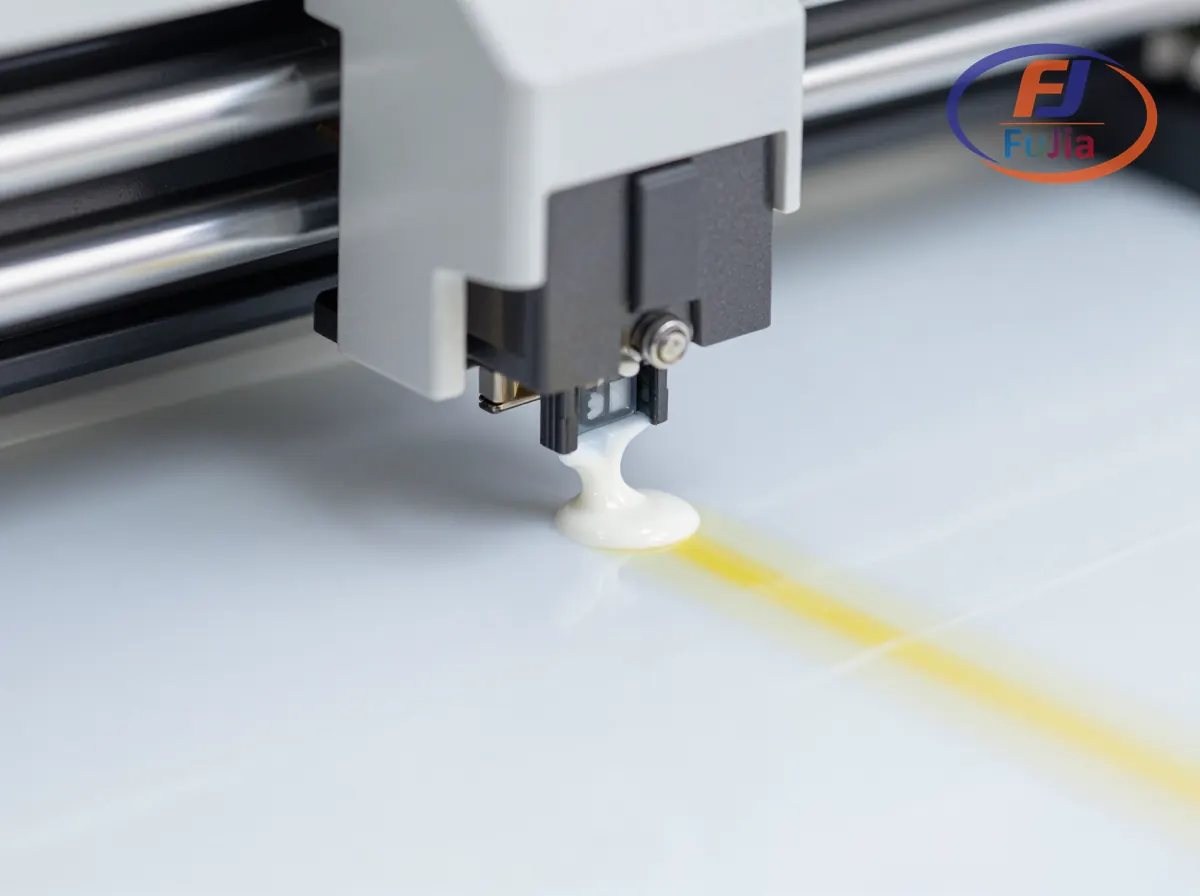
A DTF printer with white ink uses a specialized ink channel loaded with titanium dioxide (TiO2) pigment ink to print an opaque white underbase layer beneath CMYK colors, enabling full-color transfers on dark fabrics that would otherwise show through the design. White ink DTF printers include a circulation system that prevents pigment settling, wider ink delivery tubes (3mm vs 2mm for CMYK), and dedicated RIP software that manages the white ink layer separately from color layers. DTF printers with white ink range from $500 desktop A3 models to $10,000 industrial A1 4-head machines.
Key Takeaways
- White ink is what separates DTF from sublimation: it enables printing on dark fabrics and any color garment
- Titanium dioxide pigment settles within 24-48 hours of inactivity, making circulation systems mandatory for white ink DTF printers
- White ink consumes 40-60% of total ink usage per transfer, making it the most expensive consumable in DTF printing at $60-$150 per liter
- Fujia Print DTF printers use an auto power-off circulation system that keeps white ink flowing during power outages
- White ink DTF printers produce transfers rated for 50+ washes on cotton, polyester, nylon, blends, and performance fabrics
Why White Ink Matters in DTF Printing
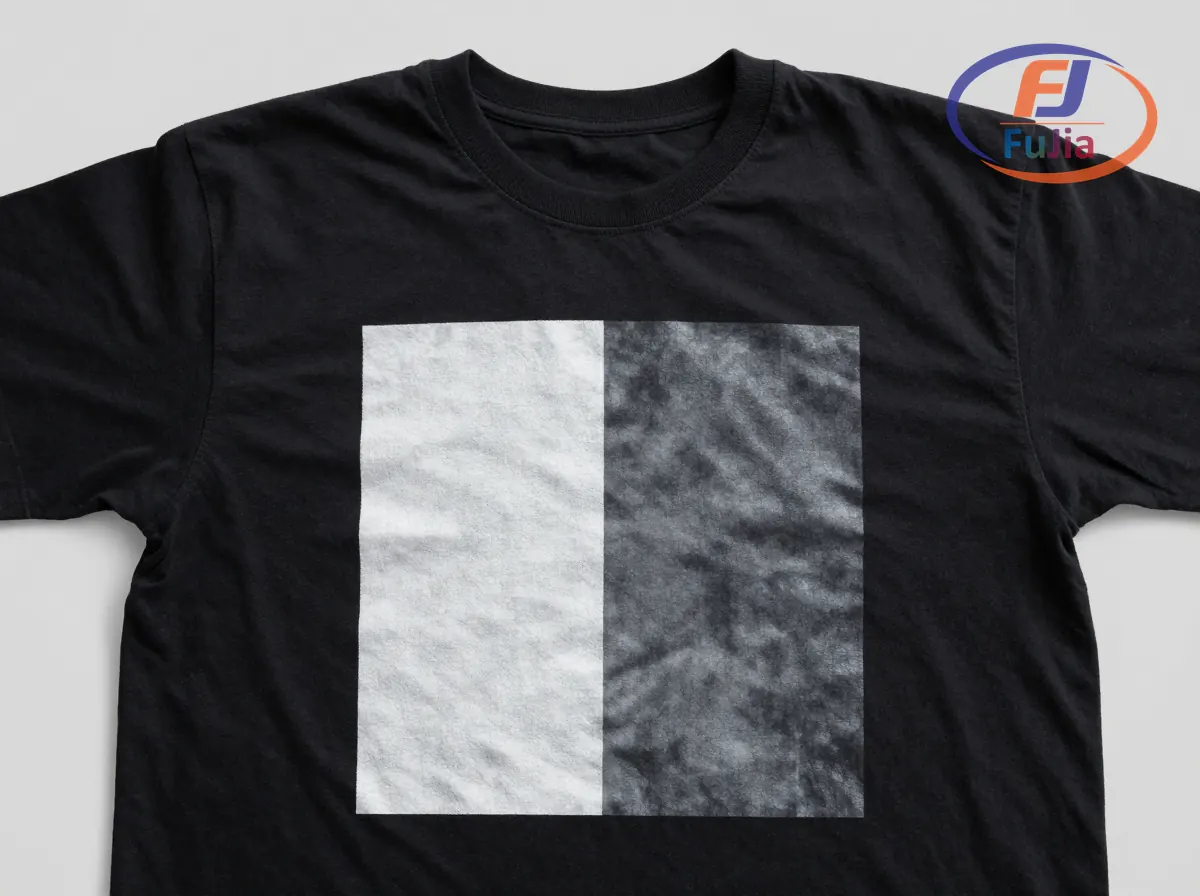
Without white ink, DTF printing cannot produce visible transfers on dark fabrics. The white layer sits between the fabric surface and the CMYK color layer, providing opacity that prevents the fabric color from showing through the printed design. This is the same function as a primer coat in house painting: without it, the underlying surface color corrupts the final appearance. For a complete overview, see the Fujia DTF printer lineup guide.
White DTF ink contains titanium dioxide particles (0.2-0.4 micrometers in diameter) suspended in a liquid carrier. TiO2 has a refractive index of 2.6-2.7, making it one of the most opaque white pigments available. According to technical documentation on inkjet printing technology from Wikipedia, piezoelectric printheads (used in DTF printers) can handle pigment-loaded inks because they eject droplets through mechanical pressure rather than thermal boiling, which would degrade the TiO2 particles.
The white ink layer typically requires 70% or higher ink coverage for dark fabric transfers, meaning a 12 x 12 inch design on a black t-shirt uses more white ink than all four CMYK colors combined. This is why white ink is the single largest consumable cost in DTF production.
How White Ink Circulation Works
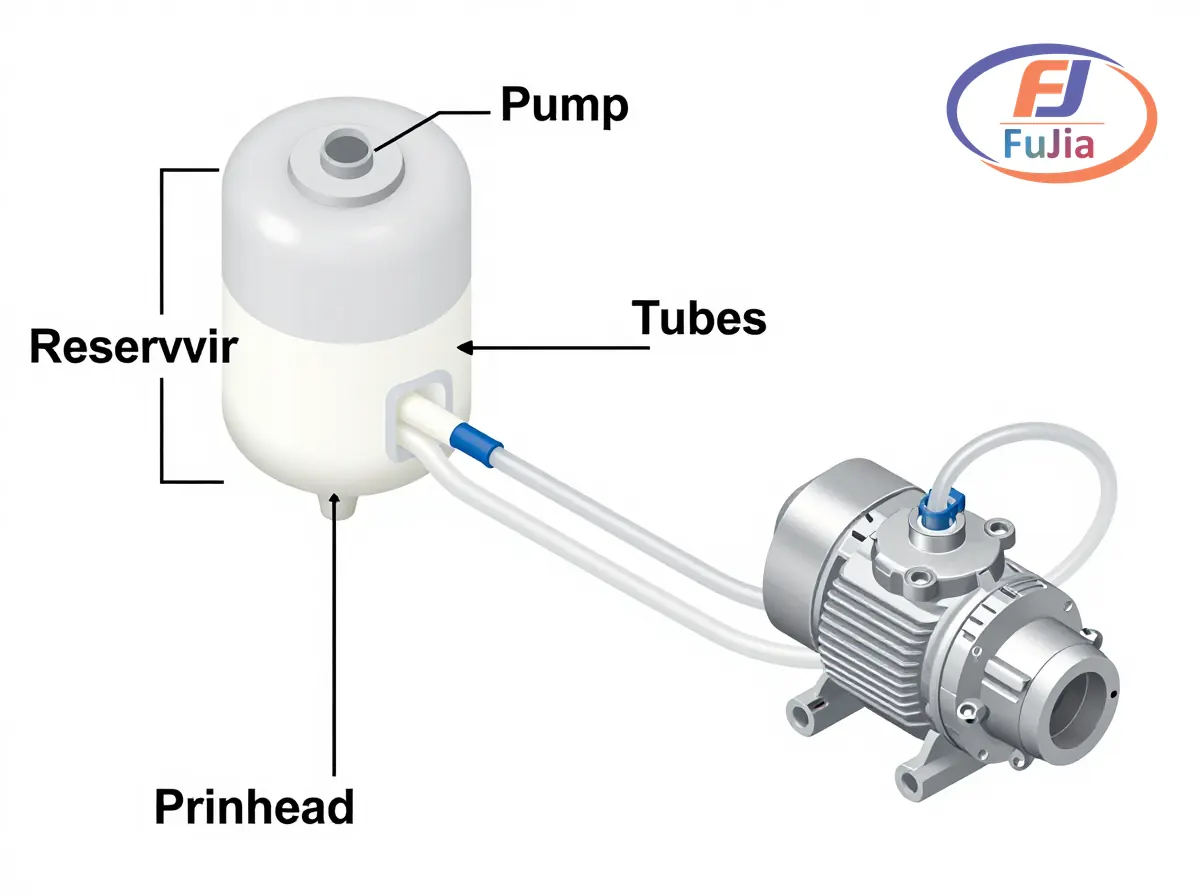
White ink circulation is the most critical maintenance feature on a DTF printer. The system continuously pumps white ink from the reservoir through the delivery tubes and back, keeping TiO2 particles suspended in the carrier fluid. Without circulation:
- TiO2 pigment settles within 24-48 hours of inactivity
- Settled pigment forms a cement-like deposit at the bottom of the ink tank
- Deposits clog printhead nozzles irreversibly within 72-96 hours
- Printhead replacement costs $349-$1,499
The Fujia Print automatic white ink circulation system operates on a timer cycle every 4 hours when the printer is idle. The system includes an auto power-off function that keeps the circulation pump running for a limited period during power outages using stored energy in the capacitors. This feature alone extends printhead life from 6-8 months (manual shaking only) to 18-24 months with proper maintenance.
White Ink Delivery System Components
| Component | Function | Replacement Interval | Cost |
|---|---|---|---|
| White ink reservoir (1000-1500ml) | Holds white ink with wide bottom to reduce settling | On failure | $20-$40 |
| Circulation pump | Moves ink through tubes every 4 hours | 2-3 years | $30-$60 |
| Wider ink tubes (3mm inner diameter) | Accommodates higher viscosity white ink | 12 months | $9-$15 |
| White ink damper (with coarser filter) | Filters TiO2 particles before printhead | 3-6 months | $5-$10 |
| Siphon + positive pressure supply | Dual-mode ink delivery for consistent flow | N/A (built-in) | – |
Best DTF Printers With White Ink
| Model | Printheads | Print Width | White Ink System | Speed | Price Range |
|---|---|---|---|---|---|
| Fujia Print A3 DTF 1-Head (FJ-A30) | 1 XP600 | 30cm (A3) | Auto circulation | 2-3 m2/hr | $500-$1,500 |
| Fujia Print A1 DTF 2-Head | 2 Epson I3200 | 65cm (A1) | Auto circulation + auto power-off | 8-13 m2/hr | $3,000-$6,000 |
| Fujia Print A1 DTF 4-Head | 4 Epson I3200 | 65cm (A1) | Auto circulation + auto power-off | 27 m2/hr @4Pass | $5,000-$10,000 |
| Procolored K13 Lite | 1 Epson | 33cm (A3+) | Auto circulation | Medium | $1,999 |
| Ricoma Luminaris 200 | 1 Epson | 33cm (A3+) | White toner system | Medium | $2,781 |
All Fujia Print DTF printers feature the Honson mainboard, Leadshine servo motor, and THK silent guide rail combination, maintaining printhead positioning accuracy within plus or minus 0.01mm across 12-hour production runs. The automatic white ink circulation runs during idle periods and during power outages through the capacitor backup system, preventing the most common cause of printhead failure.
White Ink Troubleshooting
| Problem | Likely Cause | Solution |
|---|---|---|
| White ink not printing | Clogged printhead from settled TiO2 | Run 2-3 cleaning cycles; circulate white ink for 30 min before printing |
| Thin or transparent white | Insufficient ink coverage in RIP settings | Increase white ink density to 70%+ in RIP software |
| Gritty or textured white | Undercured adhesive powder | Increase curing time to 3 full minutes at 120C |
| White ink yellowing | Overcured powder or old ink | Replace white ink if older than 8 weeks; reduce curing temp |
| Banding in white layer | Clogged damper filter | Replace white ink damper ($5-$10); flush ink line |
| White ink dripping | Worn printhead seal | Replace capping station ($15-$40); check wiper blade |
Based on data from our customers across 50+ countries, 80% of white ink problems trace to three causes: pigment settling from insufficient circulation (38%), clogged dampers from overdue replacement (27%), and incorrect RIP software white density settings (15%).
White Ink Cost Analysis
White ink is the most expensive consumable in DTF printing, costing $60-$150 per liter compared to $30-$80 per liter for CMYK colors. A standard 12 x 12 inch (30 x 30cm) full-color transfer with 70% white coverage uses approximately 3-5ml of white ink per transfer, translating to $0.18-$0.75 in white ink cost alone.
| Daily Output | Monthly White Ink Usage | Monthly White Ink Cost | Annual White Ink Budget |
|---|---|---|---|
| 50 transfers/day | 4.5-7.5 liters | $270-$1,125 | $3,240-$13,500 |
| 100 transfers/day | 9-15 liters | $540-$2,250 | $6,480-$27,000 |
| 200 transfers/day | 18-30 liters | $1,080-$4,500 | $12,960-$54,000 |
| 300 transfers/day | 27-45 liters | $1,620-$6,750 | $19,440-$81,000 |
White ink costs can be reduced by 30-40% through three strategies: sourcing factory-direct ink from manufacturers like Fujia Print ($60-$90/liter vs $100-$150/liter retail), optimizing RIP settings to reduce white coverage on light-colored designs (use 40-50% instead of 70%), and maintaining the circulation system to extend ink usability from 6 weeks to 8 weeks before replacement.
Can a DTF printer print white?
Yes, all DTF printers print white. White ink is a fundamental requirement of the DTF process, not an optional feature. Unlike sublimation (which cannot print white and only works on light fabrics) or DTG (which can print white but requires fabric pretreatment), DTF printers always lay down a white ink underbase layer beneath the CMYK colors. This white layer provides opacity for dark fabric printing and acts as the adhesive powder receptor. The white ink contains titanium dioxide pigment at 15-25% concentration by weight, producing an opaque layer that blocks the fabric color from showing through the design. Without white ink, DTF transfers would be transparent and unusable on any non-white fabric. DTF printers typically dedicate one or two ink channels exclusively to white ink, with some models using duplicate white channels to increase flow rate for faster printing.
What is the best white ink for DTF printing?
The best white ink for DTF printing is one that matches your printer’s printhead specifications and offers consistent pigment suspension, smooth flow, and high opacity. Key quality indicators include: TiO2 particle size of 0.2-0.4 micrometers (smaller particles produce smoother prints and resist settling longer), pigment concentration of 15-25% by weight (higher means better opacity but higher viscosity), and surface tension of 28-35 mN/m (matches piezoelectric printhead requirements). Fujia Print DTF ink uses imported premium resin and pigment raw materials with a 13-color system (CMYK + LC + LM + Orange + Red + Green + Blue + White), offering high concentration, uniform particle size, and smooth viscosity. White ink should be stored at 18-25 degrees Celsius in sealed containers and used within 6-8 weeks of opening. Third-party white inks from brands like Procolored, A-SUB, and Koala are compatible with Epson I3200 and XP600 printheads but should be tested for compatibility before bulk purchase.
Is there a printer that can print in white ink?
Yes, DTF printers are specifically designed to print white ink. Other printer types that can print white include: UV printers (UV-curable white ink for hard surfaces), DTG printers (water-based white ink for garments with pretreatment), white toner printers (Laser/LED technology using white toner cartridges), and screen printing (plastisol white ink pushed through mesh). Standard inkjet printers cannot print white because they use subtractive color (CMYK only) and assume a white paper background. DTF printers solve this by adding a dedicated white ink channel with specialized delivery components: wider tubes (3mm vs 2mm), coarser damper filters to handle TiO2 particles, and a circulation system to prevent pigment settling. For converting a standard Epson inkjet to print white DTF ink, see our DTF printer conversion guide.
How to increase white ink on DTF?
To increase white ink density on DTF transfers, adjust three settings in your RIP software and verify two hardware components. First, increase the white ink density setting in RIP software to 70% or higher for dark fabrics (AcroRIP: Ink Configuration > White Density; Maintop: Ink Management > White Layer Coverage). Second, increase the white ink pass count from 1 to 2 passes for thicker deposit. Third, verify that white ink underbase is set to “mirror” mode so it prints on top of CMYK colors on the PET film (becomes the bottom layer when transferred). On the hardware side, check that the white ink damper is not clogged (replace if older than 6 months, $5-$10 each) and that ink tubes are free of air bubbles (run the ink charge function to purge). If white ink is still thin after these adjustments, the ink itself may be degraded from pigment settling. Replace white ink if it has been in the printer for more than 8 weeks without circulation. For setup details, read our guide on DTF printer parts and maintenance.
Conclusion
DTF printers with white ink use titanium dioxide pigment ink in a dedicated channel with circulation to prevent settling, enabling opaque transfers on dark fabrics. Explore Fujia Print DTF printers for models with auto power-off white ink circulation, or read our DTF printer cleaning solution guide for white ink maintenance procedures.
