

A UV flatbed printer prints directly onto faux leather, PU, and leatherette without any coating or transfer film. The print head lays UV ink, a UV LED lamp cures it on contact, and the design is ready the moment the bed stops moving. Faux leather is one of the easier substrates because its surface is even and non absorbent, so adhesion is predictable. This guide covers whether it works, how the process runs, how durable the print is, and what you can make.
Key Takeaways
- A UV flatbed prints on faux leather, PU, and leatherette with no coating and no film.
- The ink cures instantly under UV LED light, so the item is dry and handled right after printing.
- Flexible UV ink bends with the material, so the print does not crack under normal use.
- Fujia’s UV flatbed runs CMYK plus white plus varnish and a database of 300 plus tested substrates that includes faux leather.
- The varnish channel adds a gloss or matte finish and commands 30 to 50 percent higher per unit pricing.
Can a UV Flatbed Print on Faux Leather?
Yes. Faux leather is usually polyurethane, a plastic layer on a fabric backing, and UV ink bonds to that plastic surface cleanly. Unlike genuine leather, which varies by hide and can be oily or porous, faux leather is consistent from roll to roll, so print settings stay stable across a batch. PU and leatherette both take the ink without a coating, which is why many shops start custom leather work on synthetic material before moving to genuine hides.
The one preparation step is cleaning. Dust, release agents, or hand oils block adhesion, so a quick wipe with a lint free cloth and isopropyl alcohol is the standard prep. No primer is required for most faux leather, though a light primer helps on very glossy or silicone treated surfaces.
How the Process Works
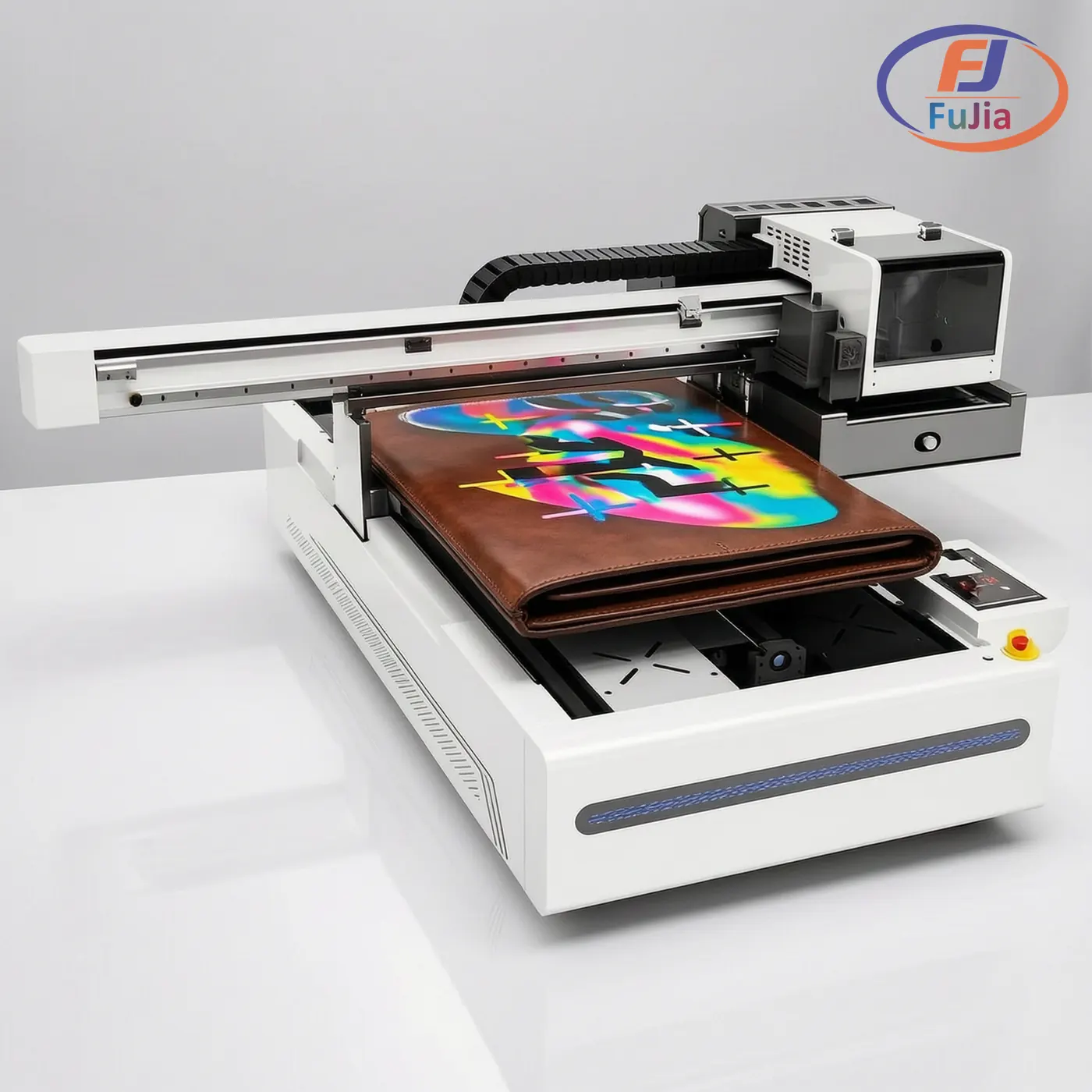
The workflow is short. The faux leather piece is placed flat on the bed, ideally secured so it does not lift under the head. The printer lays a white ink underbase if the material is dark, then the CMYK color, then an optional clear varnish. The ultraviolet LED lamp cures each layer as it lands, so there is no drying rack and no waiting.
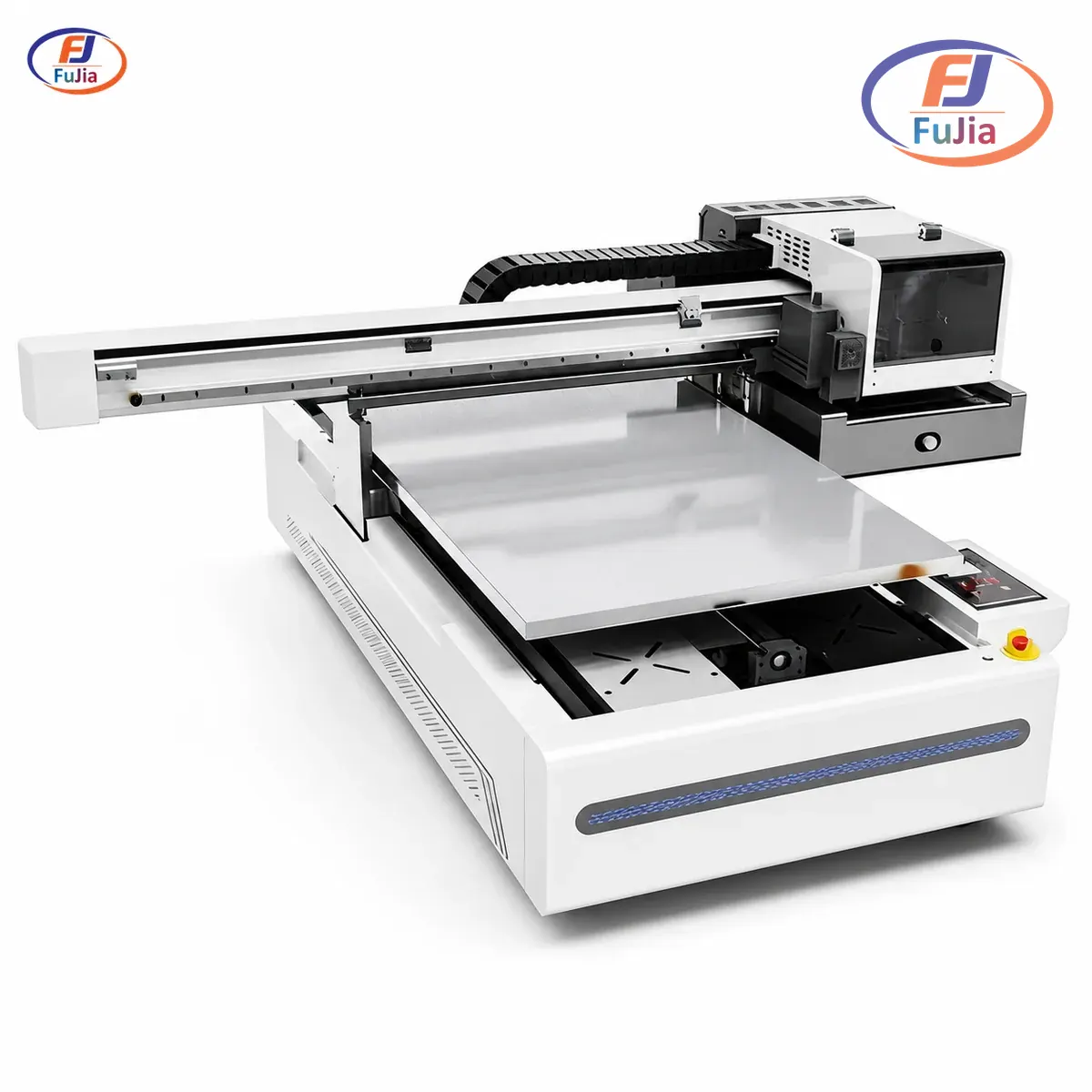
Fujia’s UV flatbed uses a water cooled UV LED lamp and a CMYK plus white plus varnish ink set across six channels. The A1 model (6090) carries a 600 by 900 mm bed, 3 to 4 Ricoh GEN5 or Epson I3200 heads, 4 to 8 m² per hour output, and 720 by 1800 dpi resolution, with auto height detection up to 180 mm. A 60 by 90 cm bed fits several small goods per cycle, and the head clears items up to 180 mm tall, so thick wallets and structured bags print without fixturing tricks. Because the ink cures on contact, the print feels like part of the surface rather than a layer stuck on top.
Will the Print Crack When the Leather Bends?
No, not under normal use, because the cured ink film is formulated to flex with the substrate. Real world testing backs this up: one leather UV ink passed the Bally flex test at over 50,000 cycles, and a tin free leather UV ink rated over 100,000 bend cycles without cracking. Roland’s guide to UV printing on leather covers faux leather, PU, and leatherette and notes the ink stays flexible through repeated bending when the right ink and primer are used, a method detailed in Roland’s leather printing guide.
The print can fail only under extreme or repeated creasing, and even then it resists far better than heat transfer vinyl, which sits as a separate plastic layer that can peel at the edge. The varnish top coat adds another buffer: it raises scratch resistance and lets the surface keep a natural hand feel. For daily handled goods like wallets and bags, UV printed faux leather holds up for the life of the item.
What You Can Print On
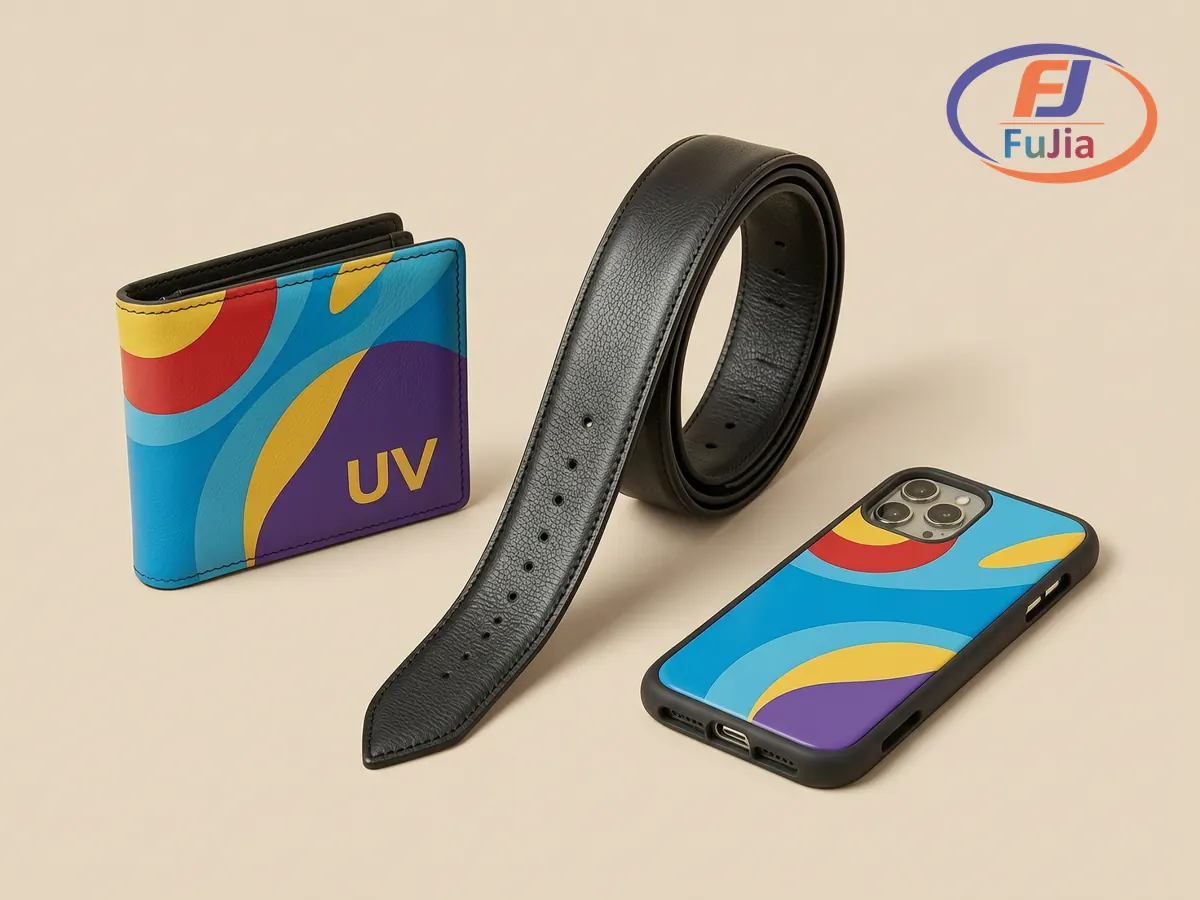
Faux leather takes full color, so the product list is long. The common custom items are wallets, card holders, handbags, belts, phone cases, journal covers, key fobs, and luggage tags. Because the print is photographic, shops personalize names, artwork, and brand logos on the same machine that does production runs. A promotional accessories brand using Fujia’s UV 6090 with a rotation jig grew from 12 to 40 plus SKUs in 60 days and ships more than 8,000 pieces a month at a 75 percent margin, which shows why UV customization on accessories pays rather than just decorating.
| Item | White underbase needed | Varnish recommended |
|---|---|---|
| Wallets and card holders | On dark colors | Yes, for scratch use |
| Handbags and belts | On dark colors | Yes, gloss or matte |
| Phone cases and key fobs | Usually | Yes |
| Journal and luggage tags | On dark colors | Optional |
Fujia maintains a database of more than 300 tested substrates, and faux leather and PU are in that set with proven cure settings, so a new batch prints correctly on the first try instead of after wasted samples.
How to Choose
| If you print… | Pick |
|---|---|
| Faux leather small goods | UV flatbed with 180 mm height |
| Dark faux leather | UV flatbed with white ink |
| Premium finish | UV flatbed with varnish channel |
| Mixed rigid plus leather | UV flatbed plus rotation jig |
A UV flatbed is the right tool for faux leather because it prints directly, cures instantly, and bends with the material. For the full UV lineup and substrate list from a Guangzhou manufacturer operating a 3,500 m² factory since 2011 and serving 500 plus print businesses across 50 plus countries, see Fujia Print UV printers or read the UV DTF vs UV flatbed comparison before you buy. Fujia backs every printer with a 12-month warranty, 48 hour parts dispatch, and a 3 day remote onboarding plan inside a lifetime WhatsApp engineering group.
Can you UV print on faux leather?
Yes, a UV flatbed prints on faux leather, PU, and leatherette with no coating and no transfer film. Faux leather is a polyurethane layer on a fabric backing, and UV ink bonds to that plastic surface cleanly and consistently, which makes it easier than genuine leather because every roll is the same. The only prep is a wipe with a lint free cloth and isopropyl alcohol to remove dust and oils that would block adhesion. Most faux leather needs no primer, though a light primer helps on very glossy or silicone treated surfaces. Fujia lists faux leather and PU in its database of more than 300 tested substrates with proven cure settings, so a new batch prints right the first time.
Will the UV print crack when the faux leather bends?
No, the cured UV ink film is made to flex with the material, so it does not crack under normal handling. Testing confirms this: one leather UV ink passed the Bally flex test at over 50,000 cycles, and a tin free leather UV ink rated more than 100,000 bend cycles without cracking. Roland’s lab printed UV inkjet on plant based vegan leathers and found the print stays flexible through repeated bending when the right ink and primer are used. The print only struggles under extreme or repeated hard creasing, and even then it beats heat transfer vinyl, which sits as a separate plastic layer that can peel at the edge. A varnish top coat adds scratch resistance and helps the surface keep a natural feel, so daily items like wallets and bags last the life of the product.
Do you need a primer for UV printing on faux leather?
For most faux leather you do not need a primer, only a clean surface. Wipe the piece with a lint free cloth and isopropyl alcohol to remove dust, release agents, and hand oils, because those are what block ink adhesion. A light primer or precoat helps on very glossy, silicone treated, or low energy surfaces where the ink might otherwise sit on top instead of bonding. Fujia’s experience across 300 plus tested substrates shows faux leather and PU bond well with standard cure settings and no primer in the common case. If you are unsure on a new material, print a small test patch and bend it before running a full batch, since a primer is cheap insurance on tricky finishes.
What can you print on a UV flatbed for faux leather?
You can print full color artwork, logos, names, and patterns on almost any faux leather good. The common custom items are wallets, card holders, handbags, belts, phone cases, journal covers, key fobs, and luggage tags, and the print is photographic so personalization and production runs share one machine. Dark faux leather needs a white ink underbase first so colors stay vibrant, and a clear varnish top coat is recommended on handled items for scratch resistance and a gloss or matte finish. Fujia’s 60 by 90 cm UV bed fits several small goods per cycle and clears items up to 180 mm tall, so structured bags and thick wallets print without special fixturing. For a shop, that range is enough to launch a custom faux leather accessories line from a single printer.
