

The best sublimation printer for beginners is the Epson SureColor F170 at $399-484.99, a purpose-built dye-sub machine that removes conversion risk entirely, with the converted EcoTank ET-2800 at $199.99 as the budget alternative for buyers willing to manage ink dedication themselves, and both choices beat every craft-brand option on cost per print. This guide compares the three starter paths with real 2026 prices, explains the conversion trade-off in plain terms, and maps the full beginner kit beyond the printer. The starter decision is really a question of $200: purpose-built certainty or conversion savings.
\n\n\n\n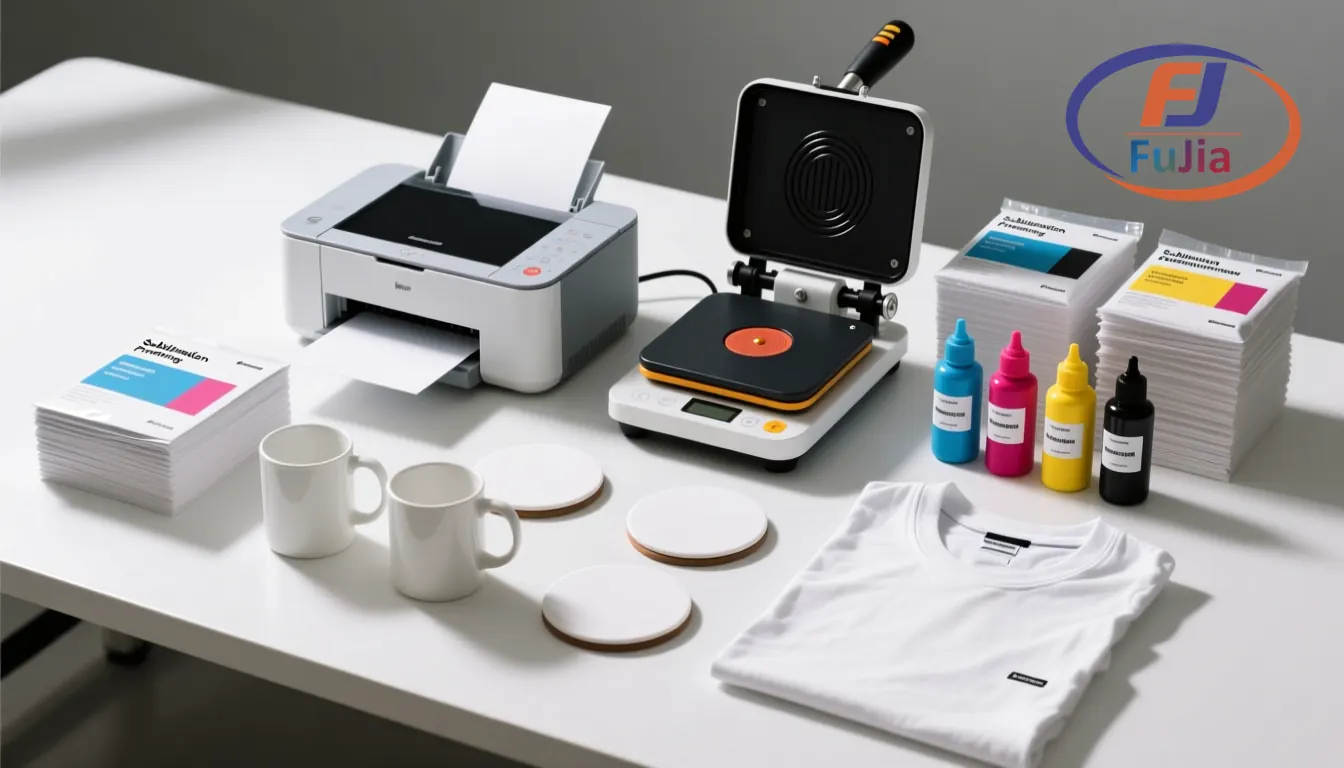
Key Takeaways
\n\n\n\n- \n\n\n
- Three starter paths in 2026: converted EcoTank ET-2800 at $199.99-329.99, purpose-built Epson F170 at $399-484.99, and Brother’s sublimation entry at $389.99-48.95 consumables. \n\n\n
- The conversion trade-off in one sentence: EcoTanks are $200 cheaper and print better volume economics, but they are office printers running dye ink outside warranty, while the F170 is engineered for sublimation with support to match. \n\n\n
- The complete beginner kit runs $450-700: printer plus sublimation ink ($54.99-77), paper ($19.49-19.99), heat press ($99-236), and blanks to practice on. \n\n\n
- White ink is absent from all starter sublimation, which is why beginners should start with white and light polyester blanks where transparent dye reads true. \n\n\n
- The upgrade path matters: starter printers outgrow themselves at roughly 30-50 prints weekly, and the F570 or roll-fed class takes over from there. \n\n\n
The Three Starter Paths Compared
\n\n\n\n| Path | \n2026 price | \nPros | \nCons | \nBest for | \n
|---|---|---|---|---|
| Converted EcoTank ET-2800 | \n$199.99-329.99 | \ncheapest, cheap ink, tank system | \nwarranty void, self-support | \nbudget learners | \n
| Epson SureColor F170 | \n$399-484.99 | \npurpose-built, supported, simple | \nslow, 8.5-inch only | \nrisk-averse starters | \n
| Brother sublimation entry | \n$389.99 plus paper | \nbranded simplicity | \npricier paper ($48.95) | \nBrother ecosystem buyers | \n
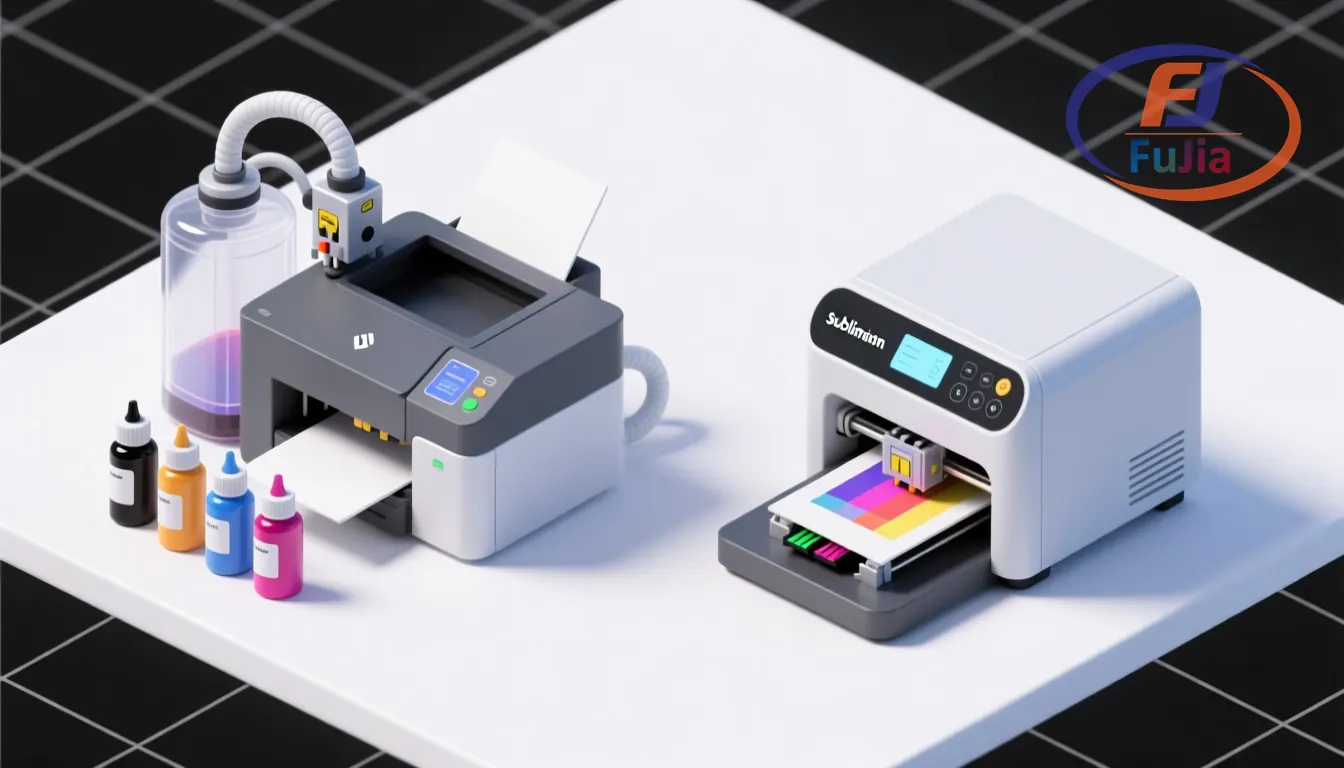
The converted EcoTank path is the community favorite for one reason: $199.99 buys an office printer whose tank system takes third-party sublimation ink beautifully, and sublimation ink runs $54.99-77 per set against the $12.55-15 per-bottle refill pricing of compatible inks. The trade-offs are real and non-recoverable: filling the tanks with dye ink voids the warranty permanently, the print head was engineered for pigment office ink, and when nozzles clog, the troubleshooting forum is your support channel. The F170 answers those risks with factory engineering, a designed-for-sublimation head and ink system, Epson’s support line, and a $399-484.99 price that prices certainty at roughly $200 over the conversion route.
\n\n\n\nThe Brother entry sits between: $389.99 buys branded sublimation hardware with proper support, and its $48.95 paper pricing is the catch, running 2-4x the cost of A-SUB-class sheets at $19.99 per 110 sheets. The real question with ecosystem pricing is simple: the printer is the one-time cost and the consumables are the monthly cost, so price the paper before the badge. Brother’s sublimation push is genuine and its machines work, but the ecosystem consumables pricing is the long-term tax. For most beginners, the honest comparison is EcoTank savings versus F170 certainty, with Brother as the answer for buyers already inside its ecosystem.
\n\n\n\nThe Conversion Question in Plain Terms
\n\n\n\nCan a regular printer become a sublimation printer? Yes, with two non-negotiable conditions: the printer must use piezo inkjet heads, which every EcoTank does, and it must be dedicated to sublimation ink permanently, because dye and sublimation chemistry cross-contaminate beyond recovery in tanks and lines. The ET-2800’s tank system makes the fill simple, the community has validated it across thousands of conversions, and the printed output is indistinguishable from purpose-built machines at the same resolution. What the conversion cannot buy is the safety net: no warranty claims, no manufacturer support line, and a head that may clog differently than its office-life design intended. That last point is where the $200 debate actually lives.
\n\n\n\nThe risk math favors conversion more than purists admit. A $199.99 EcoTank writes off as a learning cost what an F170 owner treats as an asset to protect, and head failures in the first year, the period that matters to beginners, are rare in community experience at hobby print volumes. We recommend the conversion path for learners who value the $200 and accept self-support, and the F170 for anyone whose time troubleshooting is worth more than the difference, which is most working sellers. The upgrade path also diverges: converted EcoTanks graduate to ET-15000-class A3+ conversions, while F170 owners step to the F570, and both paths are documented in our sublimation printers lineup.
\n\n\n\nThe Complete Beginner Kit Beyond the Printer
\n\n\n\n| Component | \n2026 price | \nNotes | \n
|---|---|---|
| Printer (ET-2800 or F170) | \n$199.99-484.99 | \nthe anchor decision | \n
| Sublimation ink set | \n$54.99-77 | \nconversion only; F170 includes ink | \n
| Sublimation paper 110 sheets | \n$19.49-19.99 | \nA-SUB class | \n
| Heat press 15×15 or 12×15 | \n$99-236 | \nclamshell or auto-release | \n
| Blanks assortment | \n$30-60 | \nmugs, coasters, poly shirts | \n
| Heat tape + Teflon sheets | \n$10-15 | \nconsumables | \n
The printer headlines the kit and the heat press quietly equals it in importance, because a $399 printer pressing through a $99 press with cold spots produces the same faded transfers as a cheap printer. Blanks deserve the practice budget most beginners skip: $30-60 of assorted coated mugs, coasters, and polyester swatches buys the test failures that teach temperature, time, and tape tension on sacrificial surfaces rather than gift-quality blanks. Total kit cost lands at $450-700 depending on the printer path, which prices the entire sublimation learning curve below a single good smartphone.
\n\n\n\nA pillow brand we supply shows where the beginner path leads when it is run well, and the discipline it builds: the brand’s textile workflow grew from starter equipment into a 60 cm dual-head DTF line shipping 2,000-plus pieces monthly at 65% margins, cutting delivery from 3 weeks to same-day, and the founder’s starter sublimation period is where the craft discipline, temperature logging at 385 °F, blank testing per lot, recipe cards taped to the press, got built. The starter printer teaches the process; the process scales into the business.
\n\n\n\n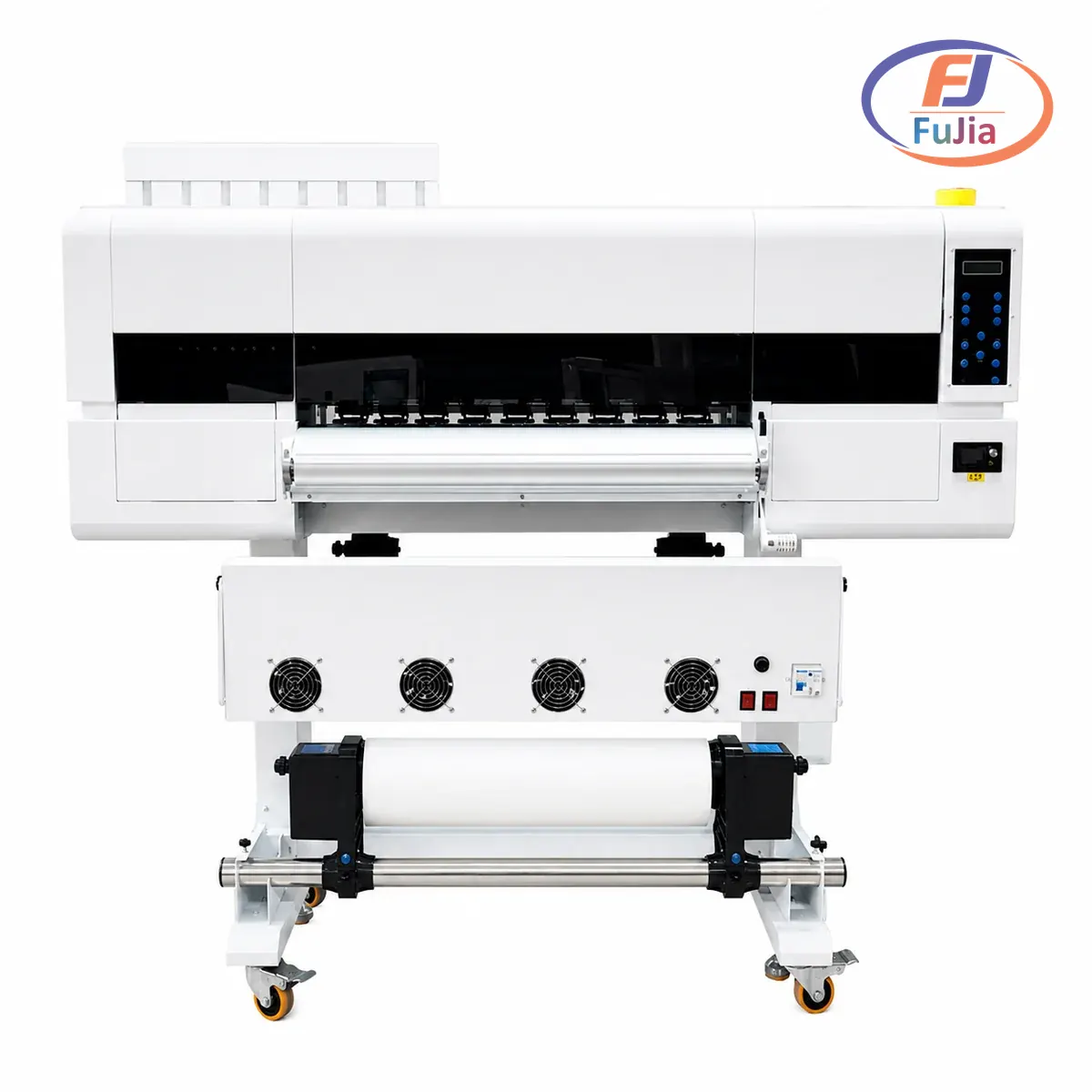
What is the best sublimation printer for beginners with a budget?
\u003cp\u003eOn a tight budget, the converted Epson EcoTank ET-2800 at $199.99 is the best value: tank-fill sublimation ink at $54.99-77 per set, community-validated conversion, and printable quality identical to purpose-built machines. The trade-offs are a permanently voided warranty and self-support troubleshooting. With $200 more to spend, the Epson F170 at $399-484.99 removes conversion risk with factory engineering and support. It is the better choice for anyone whose troubleshooting time carries value.\u003c/p\u003e
Which printer is best for sublimation printing?
\u003cp\u003eFor beginners, the Epson F170 leads on certainty and the converted ET-2800 leads on value: both print identical quality at 8.5-inch width, and the choice is $200 versus support coverage. Past the starter stage, the ET-15000 A3+ conversion extends the EcoTank path to 13-inch prints, the F570 serves serious volume at 24 inches, and production operations move to roll-fed platforms per our \u003ca href=\u0022https://fujiaprinter.com/sublimation-printers/\u0022\u003esublimation printers\u003c/a\u003e lineup. The best printer is the width class your products demand, with the support level your patience requires settling the brand within that class.\u003c/p\u003e
Which is better, a Cricut or a sublimation printer?
\u003cp\u003eThey solve different problems: a Cricut cuts vinyl and other materials for layered designs, while a sublimation printer prints full-color photographic images that dye into polyester coatings. Cricut machines cannot print at all, and sublimation printers cannot cut. Beginners choosing between them should decide what they make: full-color photo gifts and apparel graphics need sublimation, simple names and shapes in solid vinyl work fine with a Cricut. Many crafters eventually run both, with sublimation covering the photographic side a cutter never can, and the honest tiebreak is your first ten project ideas.\u003c/p\u003e
Can I turn my regular printer into a sublimation printer?
\u003cp\u003eYes, if it is a piezo inkjet printer with a tank or cartridge system you can dedicate permanently, which covers every Epson EcoTank and most Epson office models: fill with sublimation ink, dedicate the machine for life, and print on sublimation paper. Laser printers cannot sublimate, and any printer that has run regular ink cannot be converted because the chemistries contaminate. The conversion voids the warranty, so the honest framing is trading $200 of hardware protection for $200 of budget, a trade thousands of beginners make happily every year and rarely regret at hobby volumes.\u003c/p\u003e
Verdict
\n\n\n\nThe best sublimation printer for beginners is the Epson F170 at $399-484.99 for risk-free certainty, or the converted EcoTank ET-2800 at $199.99 for budget learners who accept self-support, and both anchor a complete $450-700 starter kit with press, paper, and practice blanks. Choose by how you value $200 against support coverage, start on light polyester blanks where sublimation reads true, and keep the temperature log from day one. To see where the starter path leads on production sublimation platforms, contact Fujia Print for an upgrade consult.
\n\n\n\nSources
\n\n\n\n- \n\n\n
- Epson SureColor F170: purpose-built starter sublimation reference. \n\n\n
- Epson EcoTank lineup: conversion-capable tank printers. \n\n\n
- Wikipedia: Dye-sublimation printing: transfer chemistry. \n\n\n
- Wikipedia: Inkjet printer: piezo head technology background. \n\n\n
