

A UV printer for glass works by curing CMYK ink over a white underbase directly onto the glass surface with LED light, and the two settings that decide whether the print survives a dishcloth are surface preparation and white-ink layering, not the printer brand. This guide explains the chemistry in plain terms, prices the 2026 market from $1,699 entry flatbeds to $24,395 industrial units, and gives the layer recipes that hold up on drinkware, awards, and architectural panels. Glass punishes shortcuts, and it rewards the shops that set the process up correctly the first time.
\n\n\n\n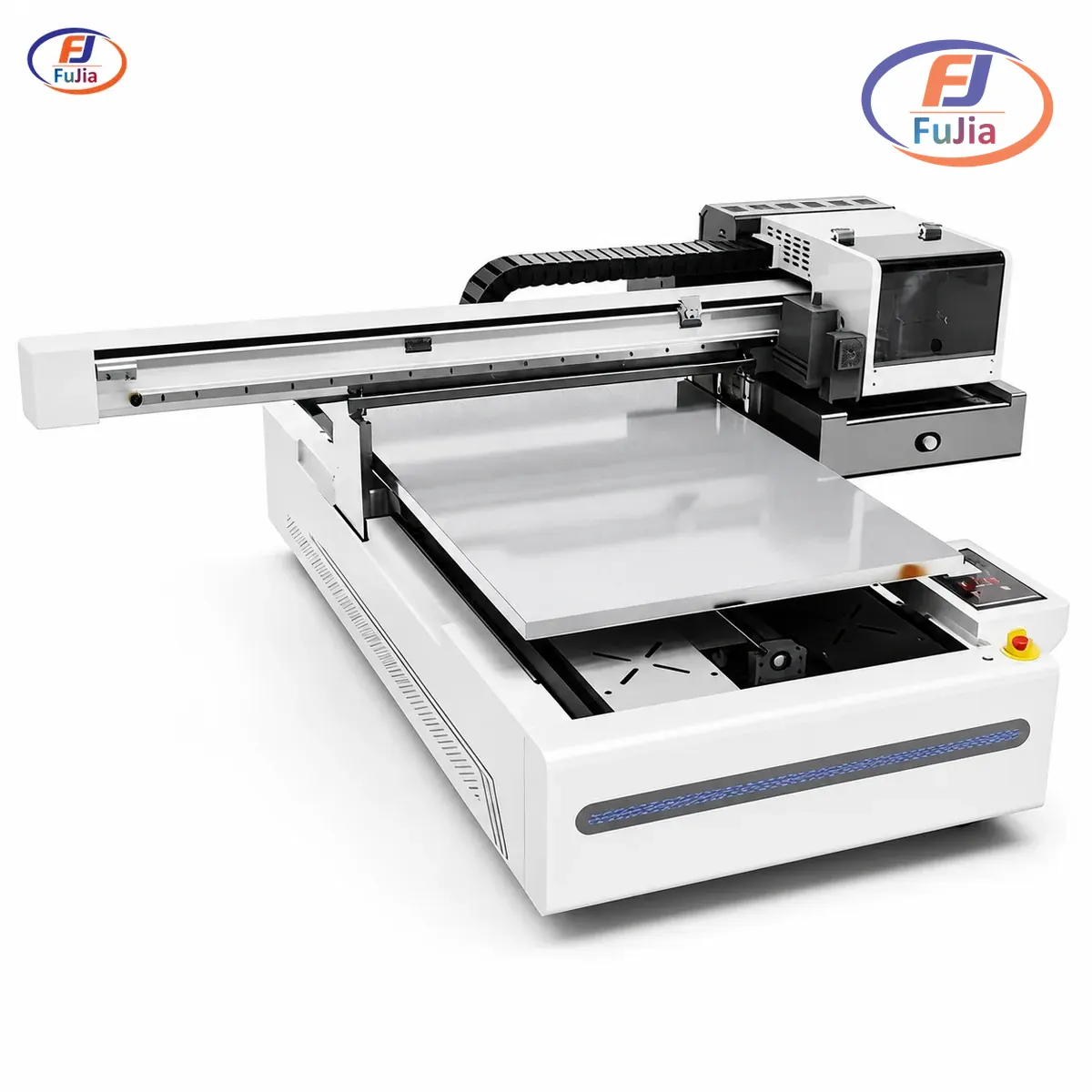
Key Takeaways
\n\n\n\n- \n\n\n
- Glass is non-porous and UV ink cannot bite into it mechanically, so adhesion depends on cleaning, optional primer or flame treatment, and full LED cure, in that order. \n\n\n
- White ink underbase is mandatory on clear or tinted glass; without it, colors read ghosted and translucent against the transparency. \n\n\n
- Reflections matter: glass bounces UV light back into the printhead, so exposed areas around the design get covered with dark media, or the nozzles cure ink in-flight. \n\n\n
- Real 2026 pricing: entry flatbeds run $1,699-2,700, A3-class machines $2,550-4,500, and industrial flatbeds from Roland-class lines reach $24,395. \n\n\n
- The 6090 production tier with water-cooled LED and a rotary option covers drinkware, awards, and panels on one bed, which is how a single machine serves a gift shop and a signage counter at once. \n\n\n
Why Glass Is UV’s Hardest, Best Substrate
\n\n\n\nGlass gives UV printing nothing to grip, and that is the whole engineering problem. On wood or leather, ink wicks into pores and anchors mechanically; on glass, the surface is chemically smooth silica, so the cured ink layer holds only through surface prep and cure quality. The process that works is: clean with isopropyl alcohol to strip fingerprints and oils, optionally wipe an adhesion promoter or pass a flame over the surface to raise surface energy, then print CMYK over a white underbase and cure instantly under LED. Done in that order, cured UV ink on glass withstands hand washing and years of indoor display.
\n\n\n\nTwo glass-specific physics rules shape everything else. First, transparency demands white ink: a color printed directly on clear glass reads washed-out and ghostly, while the same color over a solid white layer reads saturated, which is why every glass recipe starts White, then CMYK. Second, reflectivity attacks the machine: polished glass bounces curing light back toward the printhead, and ink can cure inside the nozzles mid-pass, so operators cover the glass area surrounding the design with dark tape or paper. Per Roland’s direct-to-object guidance, industrial glass lines add staged LED intensity for the same reason, and per AATCC-style abrasion protocols, a fully cured, primed print is what survives service rather than a thick, under-cured one. Both rules cost nothing to follow and disqualify shops that ignore them.
\n\n\n\nThe Layer Recipes That Hold Up
\n\n\n\n| Glass product | \nLayer recipe (bottom to top) | \nNotes | \n
|---|---|---|
| Clear glass photo panel | \nWhite x2 → CMYK x2 | \nprinted face-down view through glass | \n
| Wine/spirit bottle branding | \nPrimer wipe → White x1 → CMYK x2 | \nrotary fixture for cylindrical print | \n
| Tinted/black glass award | \nWhite x2 → CMYK x2 → Varnish x1 | \nvarnish adds gloss contrast | \n
| Frosted-effect decor | \nWhite x1 printed as frost layer → CMYK x1 | \nwhite doubles as the frost | \n
| Backsplash / architectural panel | \nPrimer → White x2 → CMYK x2 → Varnish x1 | \nservice-grade durability target | \n
The recipes encode one principle: white is a base, never an afterthought, and every additional layer is a functional choice rather than ink spend. A photo panel printed in mirror mode onto the back of the glass lets the glass itself protect the image, which is why backsplash and panel work prints face-down with doubled white. Bottle work lives or dies on the rotary fixture holding the cylinder concentric under the head; a wobble of half a millimeter shows as smeared text at the seam. Awards and premium gifts add varnish last, both for gloss contrast and because varnish takes 30-50% higher per-unit pricing on the same substrate, per the varnish economics that hold across UV product work. We recommend printing one recipe card per product family and taping it to the machine, because glass punishes improvisation more than any other substrate.
\n\n\n\nCure settings complete the recipe. Glass wants slightly longer LED exposure than plastics because the reflective surface shadows the ink at glancing angles, so production shops run lamp intensity up a notch and slow the pass rather than double-printing color. Temperature stability matters too; a water-cooled LED lamp holds constant output across a long run of panels, where air-cooled lamps drift hot and shorten lamp life, which is why the tier table below separates machines by cooling architecture. Honestly, cure discipline is the cheapest upgrade in glass printing, and it costs nothing but a stopwatch and a test coupon.
\n\n\n\nReal 2026 Prices by Tier
\n\n\n\n| Tier | \nExample machines | \n2026 price | \nGlass capability | \n
|---|---|---|---|
| Entry A4/A5 flatbed | \nAchi A4 L800-class | \n$1,699-2,300 | \nflat glass, manual jigs, no varnish | \n
| A3 flatbed/rotary | \nIEHK A3, Longer ePrint | \n$1,614-2,550 | \nbottles via rotary, basic white | \n
| Compact pro A3+/dual | \nxTool O1 Dual UV bundle | \n$4,479 | \nCMYKWV + texture, CIS positioning | \n
| 6090 production | \nFujia 6090 class | \n$5,500-8,000+ | \npanels, full CMYKWV, water-cooled LED | \n
| Industrial flatbed | \nRoland TrueVIS class | \n$24,395+ | \narchitectural glass at volume | \n
The entry tier prints glass, and its honesty lives in the fixture column: manual jigs and single-lamp curing suit flat coasters and small panels, and the machines reward operators who manage white ink manually. The A3 tier adds rotary printing for bottles, which unlocks the drinkware customizing market that most gift shops actually want. The 6090 tier is where glass becomes a product line rather than an item: a 600×900 mm bed takes multiple panels, a grid of awards, or a rotary bottle attachment, and water-cooled LED holds cure consistency across a full shift. Industrial flatbeds from Roland-class brands serve architectural glass shops, and their price reflects throughput and bed rigidity rather than different chemistry.
\n\n\n\nWhich Printer Fits Which Glass Business
\n\n\n\n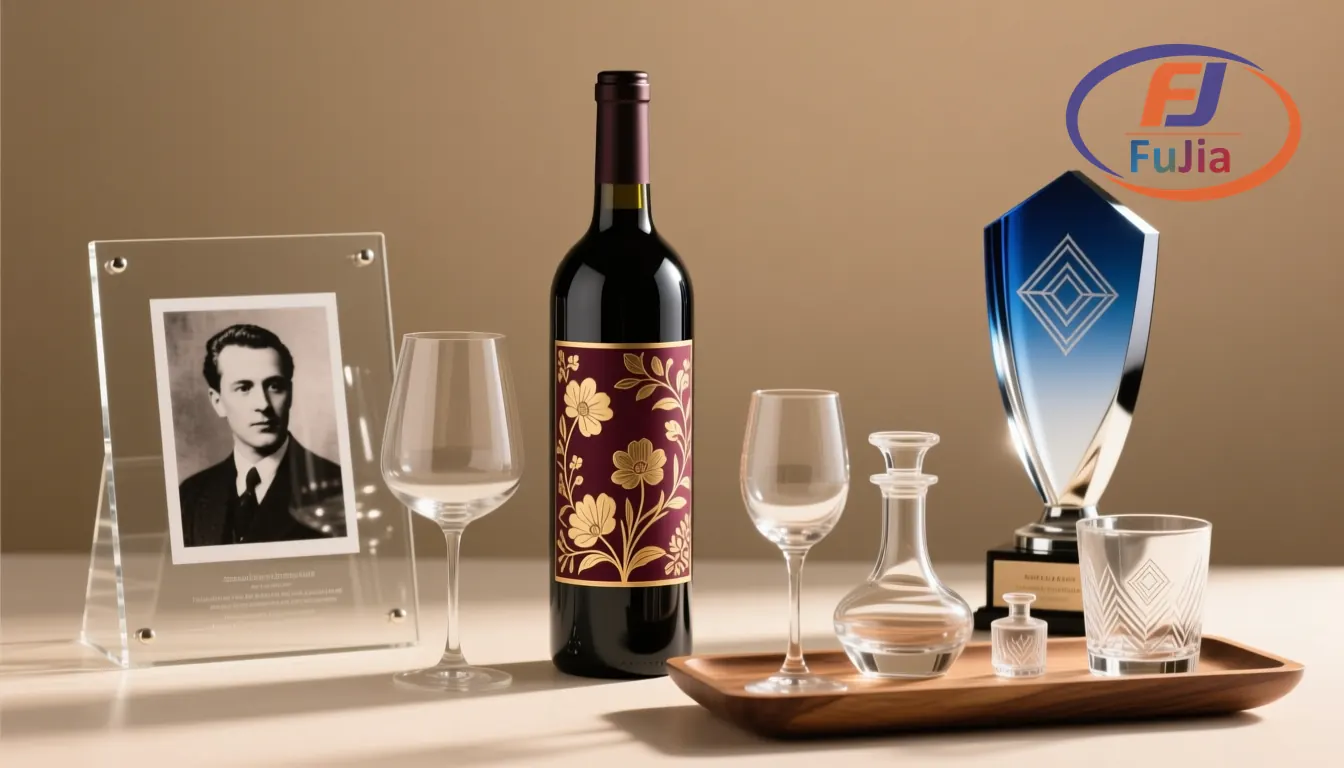
Match the bed and the fixture to the product, because glass businesses differ more by format than by print size. A gift shop personalizing coasters and small panels runs fine on an entry flatbed at $1,699-2,300, accepting manual white ink care. Bottle engraving-and-printing studios and drinkware customizers need the A3 rotary tier at $1,614-2,550, since cylindrical printing is a fixture decision before it is a printer decision. Award and signage shops printing mixed formats land on the 6090 bed, where one machine covers trophies, panels, and promotional glass without re-fixturing between orders, and only architectural-panel volume needs to graduate beyond it. Honestly, that ceiling is the tier’s best feature, because it means the machine you buy for awards today still fits the panel contracts you win next year.
\n\n\n\nA Kenyan glassware workshop we supplied makes the production-tier case with numbers: running an FJ-6090 for custom glassware gifts, the shop lifted daily output 50% from 200 to 300 pieces, cut material waste from 15% to 9%, and compressed turnaround from 5-7 days to 1-2 days, results that came from bed capacity and curing stability rather than from any single print setting. The same platform anchors our UV printers lineup and the signage and display applications where architectural glass work concentrates. The tier ladder is honest in both directions, and overbuying a 6090 for coaster volume is the mirror-image mistake of underbuying it for panel contracts.
\n\n\n\nWe recommend testing your actual glass stock before buying, because tempered, coated, and low-iron glass all adhesively behave slightly differently, and a same-day test print on your own blank tells you more than any comparison chart. Chemistry decides whether UV ink sticks to glass, the fixture decides whether cylinders print straight, and the bed decides how many products per day the machine pays for.
\n\n\n\n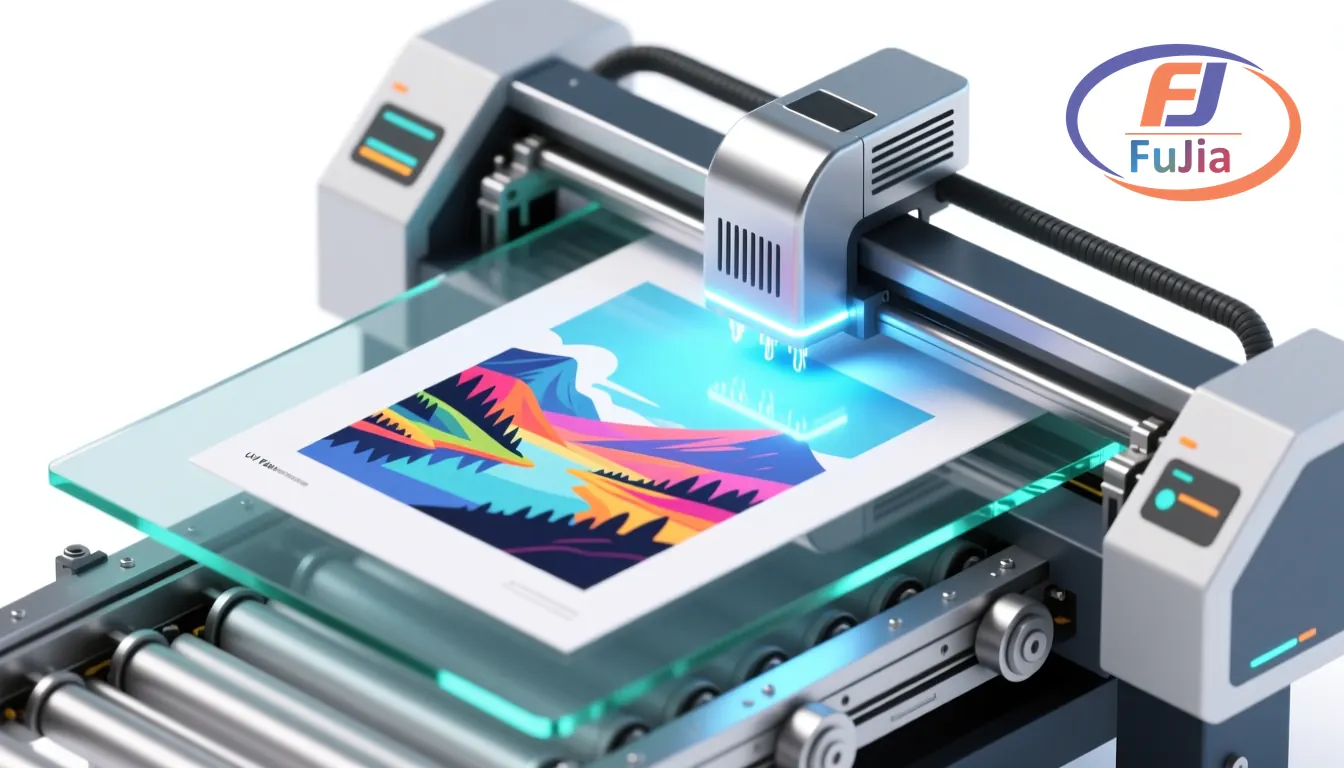
Can UV printers print on glass?
Yes, UV printers print directly on glass and are now the standard method for custom glass decoration: LED-cured ink bonds to prepared glass hard enough to survive hand washing and indoor display for years. The process needs isopropyl cleaning, optional primer or flame treatment, a white underbase under all color, and dark masking around the design to block reflections back into the printhead. Screen printing still owns ultra-long production runs, but for personalized and short-run glass work, UV direct printing wins on setup cost and color depth.
How much does a UV printer for glass cost?
Real 2026 pricing runs $1,699-2,300 for entry A4/A5 flatbeds, $1,614-2,550 for A3 machines with rotary bottle fixtures, $4,479 for compact professional dual-head bundles, $5,500-8,000-plus for 6090 production beds with water-cooled LED, and $24,395-plus for industrial architectural flatbeds. Factor consumables into the tier decision: white and varnish inks add supply lines, primer is pennies per panel, and rotary fixtures are one-time costs. Above roughly 50 glass pieces daily, the production tier’s per-cycle capacity usually repays its price premium within the first year. Request itemized quotes, because some listings exclude the rotary fixture that glass work actually requires.
What settings do you use to print on glass?
Print on glass with a white underbase before CMYK, lamp intensity slightly above plastic presets with pass speed reduced for full cure, and mirror-mode printing when the design is viewed through the glass. Clean with isopropyl alcohol, wipe adhesion promoter for drinkware service, and mask the glass surrounding the design area with dark tape to kill printhead reflections. Run a 24-hour tape test on a sample blank before production, and log the recipe that passes so every operator repeats it.
Is UV printing on glass dishwasher safe?
Hand-wash safe, yes; dishwasher safe, only with primer and full cure, and even then the top rack’s heat and caustic detergents shorten life. Standard practice for drinkware is adhesion promoter before printing, doubled white layers, complete LED cure, and a 24-hour full-cure wait before first wash, which yields prints that survive daily hand washing for years. For products marketed as dishwasher proof, fired ceramic decals or frit printing remain the honest processes, and UV shops should say so rather than overpromise. Customers who understand this distinction return for reorders instead of refunds.
Verdict
\n\n\n\nA UV printer for glass succeeds on process discipline more than on price: clean and prime the surface, layer white under color, mask against reflections, and cure fully, and even an entry $1,699 flatbed produces gift-grade work; skip the chemistry and a $24,000 industrial line produces peelers. Price the tiers by product format, flat gifts at entry, bottles on rotary A3, mixed production on a 6090, architectural volume on industrial beds. Test on your own glass stock, write down the recipe that passes the tape test, and to run your blanks on a water-cooled 6090 before committing, contact Fujia Print for a sample session.
\n\n\n\nSources
\n\n\n\n- \n\n\n
- Roland DGA glass printing applications: industrial direct-to-glass process reference. \n\n\n
- Wikipedia: Adhesion promoter: primer chemistry background for non-porous substrates. \n\n\n
- Wikipedia: Ultraviolet curing: LED cure chemistry behind ink adhesion. \n\n\n
- AATCC: abrasion and wash testing standards referenced for durability claims. \n\n\n
